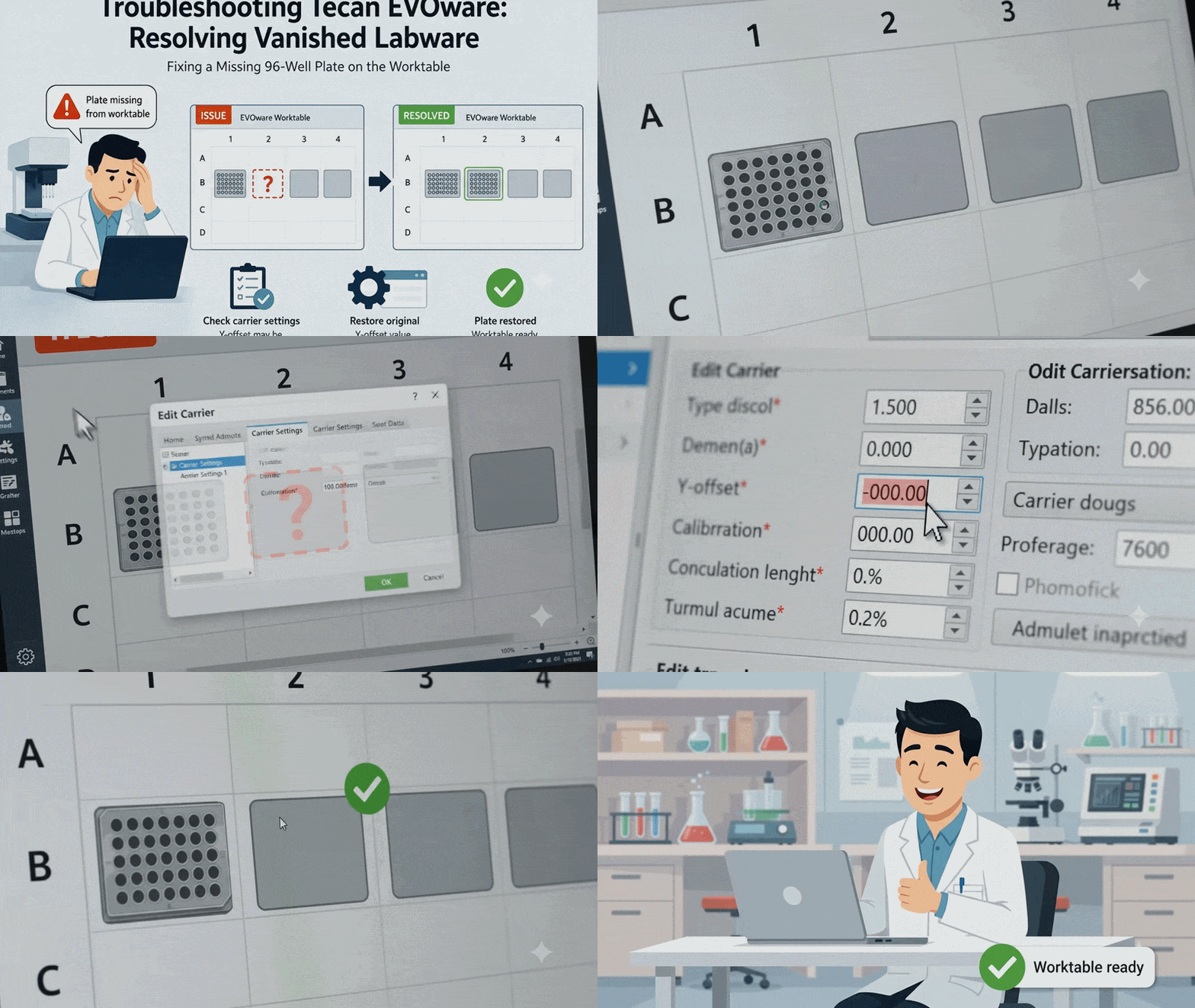

As a lab professional, you rely on the precision and consistency of your automated liquid handlers. But what happens when you prep your deck, start your protocol, and your EVOware software suddenly claims your instrument is missing a crucial component? Recently, the SeqGen service team tackled a perplexing case that perfectly highlights why error codes don't always tell the whole story.
At a Glance: Quick Troubleshooting Summary
- Instrument: Tecan Freedom EVO 200.
- Symptom: A 96-well plate on the second carrier site disappears from the graphical worktable layout, and the view cannot be manually edited or restored.
- Root Cause: The Y-offset inside the "Edit carrier" settings was accidentally modified, shifting the labware's virtual coordinates entirely outside the viewable worktable grid.
- Solution: Open the carrier configuration menu and change the Y-offset for site #2 back to its original calibrated value.
When running liquid handling protocols, encountering an unexpected software glitch can immediately stall your lab's workflow. On automated instruments like the Tecan Freedom EVO 200, keeping a perfectly mapped digital worktable is essential for precise liquid transfers. A missing plate layout on your screen halts your protocol before the run can even begin.
Quick-Start Diagnostic Summary
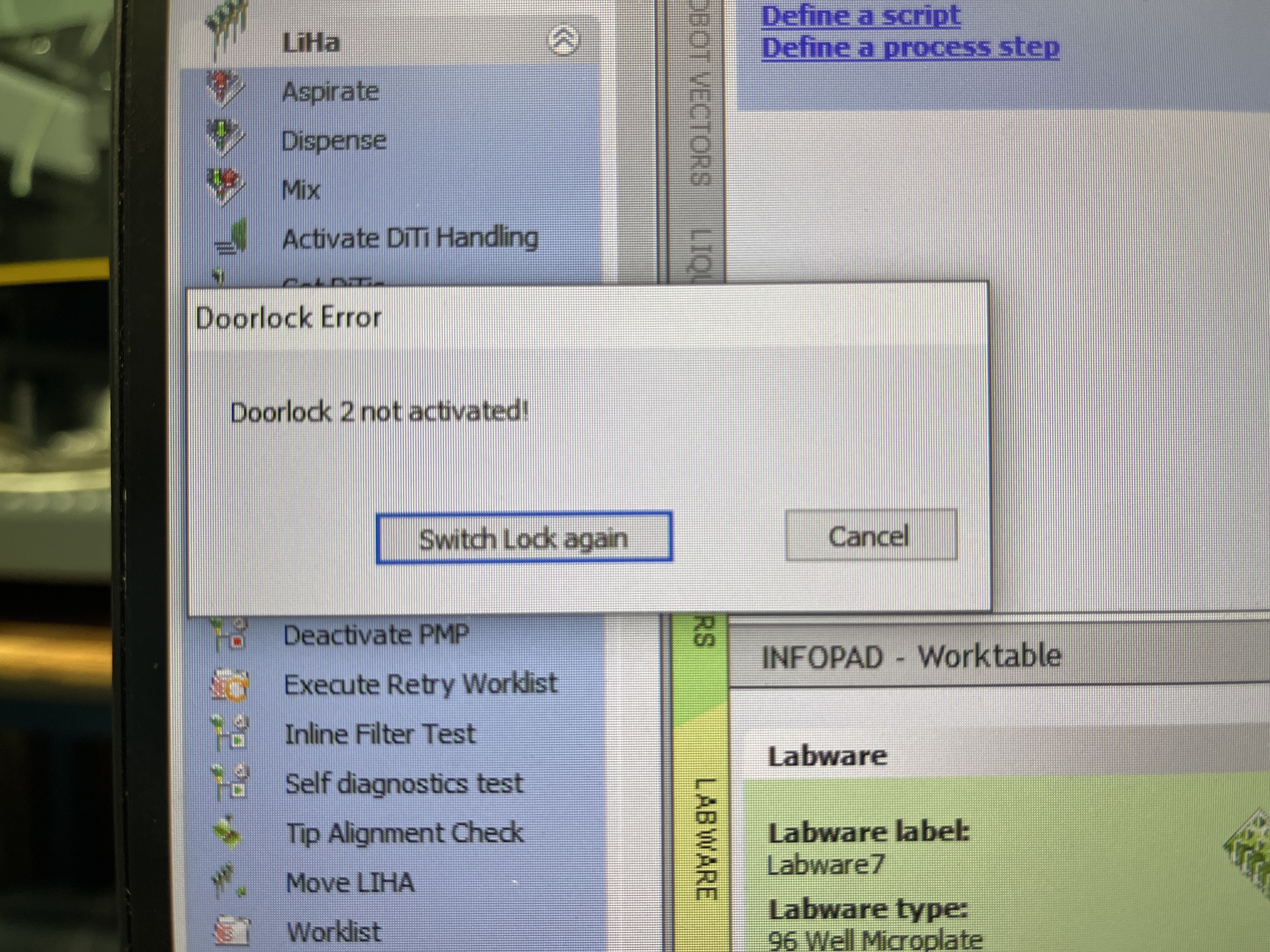
If your Tecan Freedom EVO is currently halted with a "Doorlock 2 not activated" message, follow these steps to isolate the issue:
[Quick Answer] The Fast Fix
If your Tecan Freedom EVO is missing volumes across entire rows or columns, it is usually because the MCA96 arm is out of alignment.
- The Symptoms: Intermittent failure to pipette correctly across specific rows or columns.
- The Solution: An inspection of structural screws, a full range check, and a Reference Position Setup by our engineer to realign the head.
- Single Well Issues: If the same well always fails, it’s likely a worn O-ring or a specific channel malfunction requiring a seal replacement.
[Quick Answer]
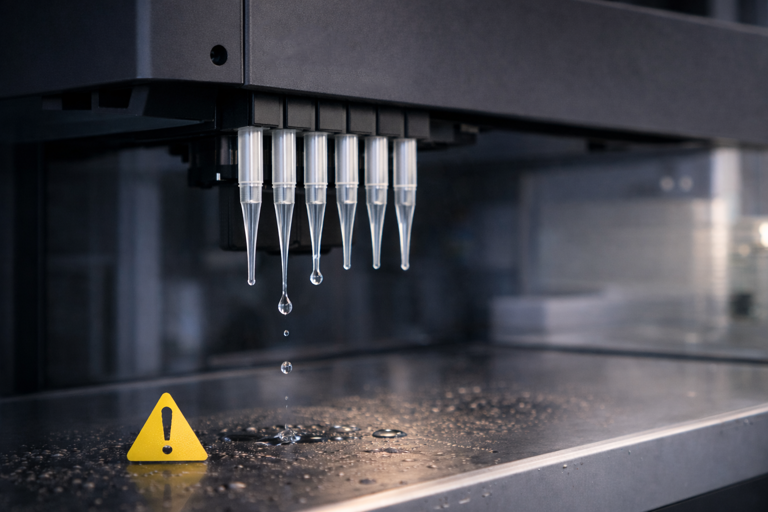
Is your Tecan system dripping? Follow these four priority steps:
- Clear Air Bubbles: Run a Flush command (15mL Waste / 20mL Cleaner) via Direct Commands to eliminate bubbles from the liquid system.
- Check Hardware: If droplets occur after flushing, or are seen before power-on/during stand-by, check for air accumulation in the Source tank, FAWA pump, 3-way valve fittings, and syringes. Check the tightness of all fittings on the 3-way valves and syringes.
- Check for Clogs: If a water drop stays on the tip specifically after flushing, inspect for a clogged probe or clogged fixed tip.
- Adjust Software: If droplets only occur after dispensing (at the plate or waste), lower the Z-dispense height or adjust Liquid Class airgaps.
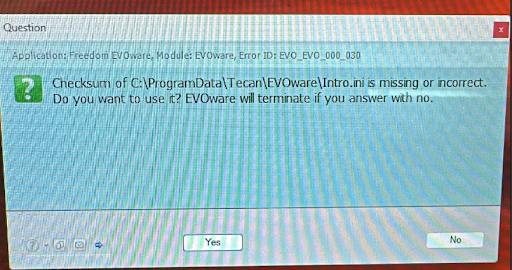
Are you seeing the frustrating error message "C:\ProgramData\Tecan\EVOware\Intro.ini is missing or incorrect" when you power on your instrument? This issue can be caused by an improper shutdown of the software or the system, which can corrupt or delete critical configuration user record files.
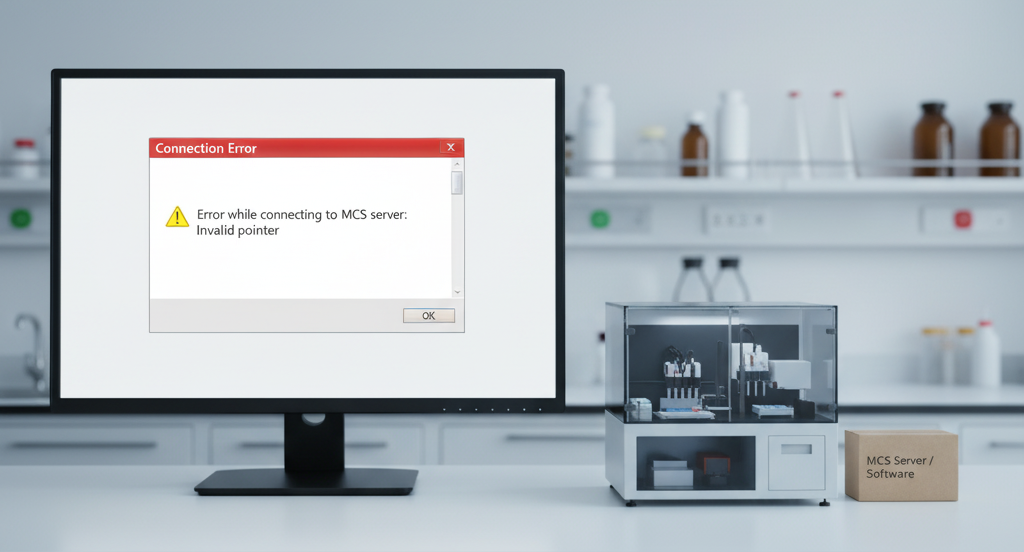
Are you a Tecan user who's encountered the frustrating "Error while connecting to MCS server: Invalid pointer" message when launching your EVOware Standard software? This issue can seem daunting, but it's often caused by improper shutdowns, driver conflicts, or hardware connection problems. This blog post provides a step-by-step troubleshooting guide to help you get back up and running.
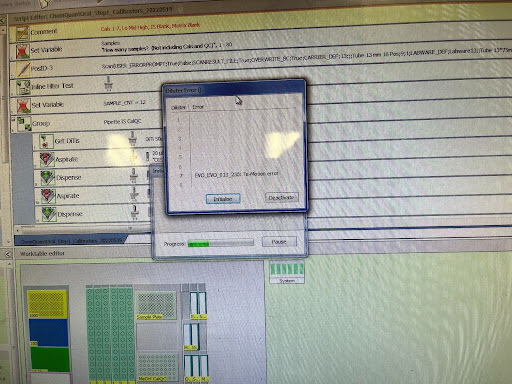
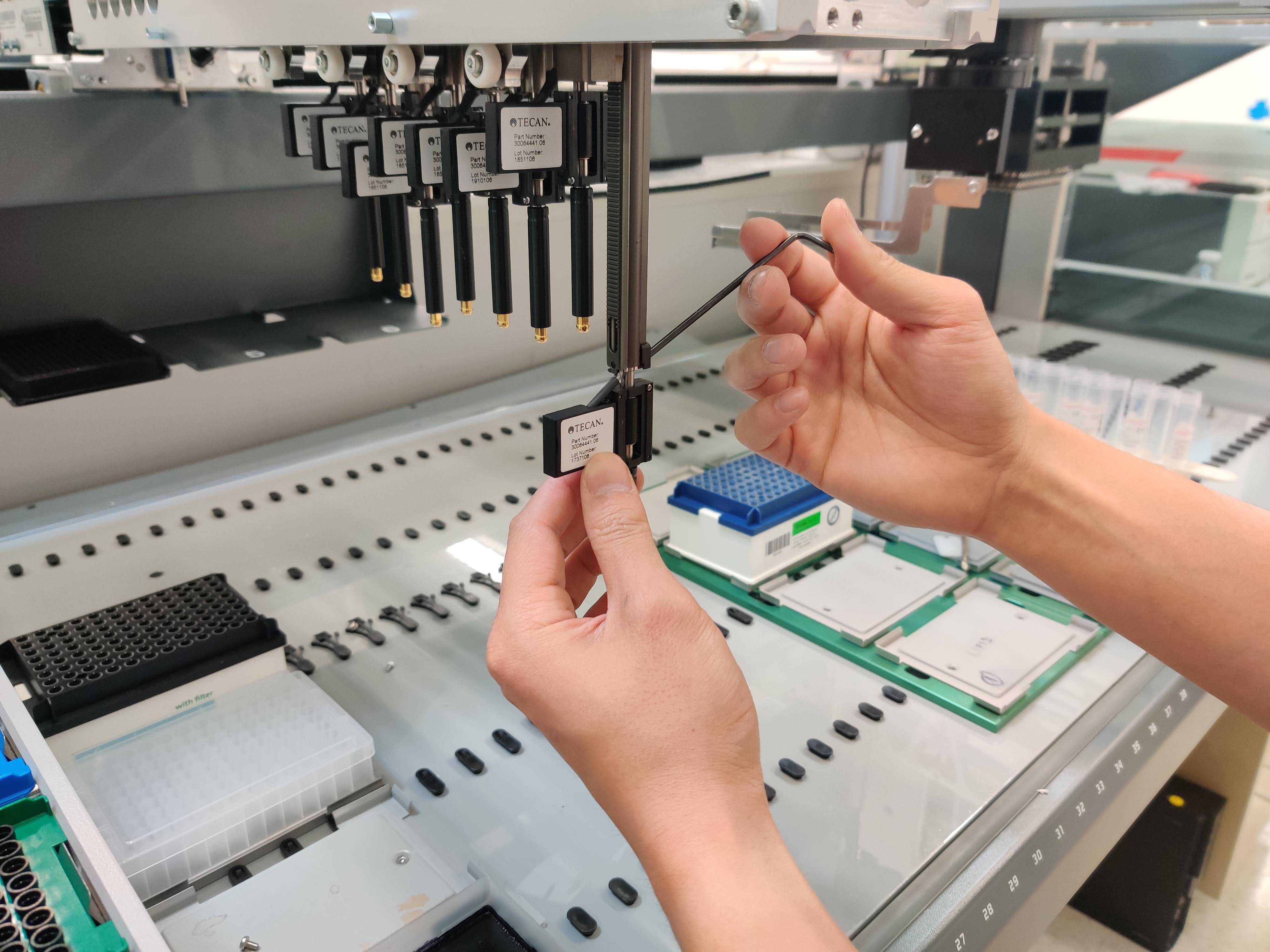
Encountering an error message like "EVO_EVO_013_230: Te-Motion error" on your channel/cable assembly can be frustrating, especially when it prevents you from using the instrument. This error often appears to happen randomly, sometimes during initialization or in the middle of a script, particularly when the system is aspirating, dispensing, or picking up a Diti tip. While a simple restart might clear the error temporarily, it often returns and eventually becomes permanent.
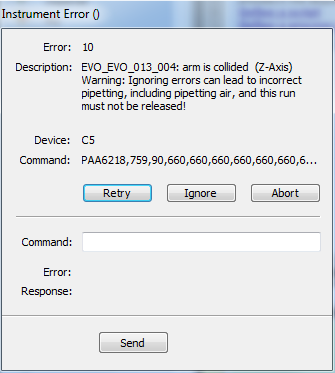
Seeing the EVO_EVO_013_004 error code flash on your Tecan Freedom EVO system—especially when there’s no actual physical collision—can be frustrating and confusing. Don’t panic—you’re not alone! Discover the steps to resolve both real and false collision issues.
Just like your car needs maintenance and oil change regularly to run smoothly, keeping up the maintenance schedule for your Tecan Freedom EVO is also recommended.