Quick Summary
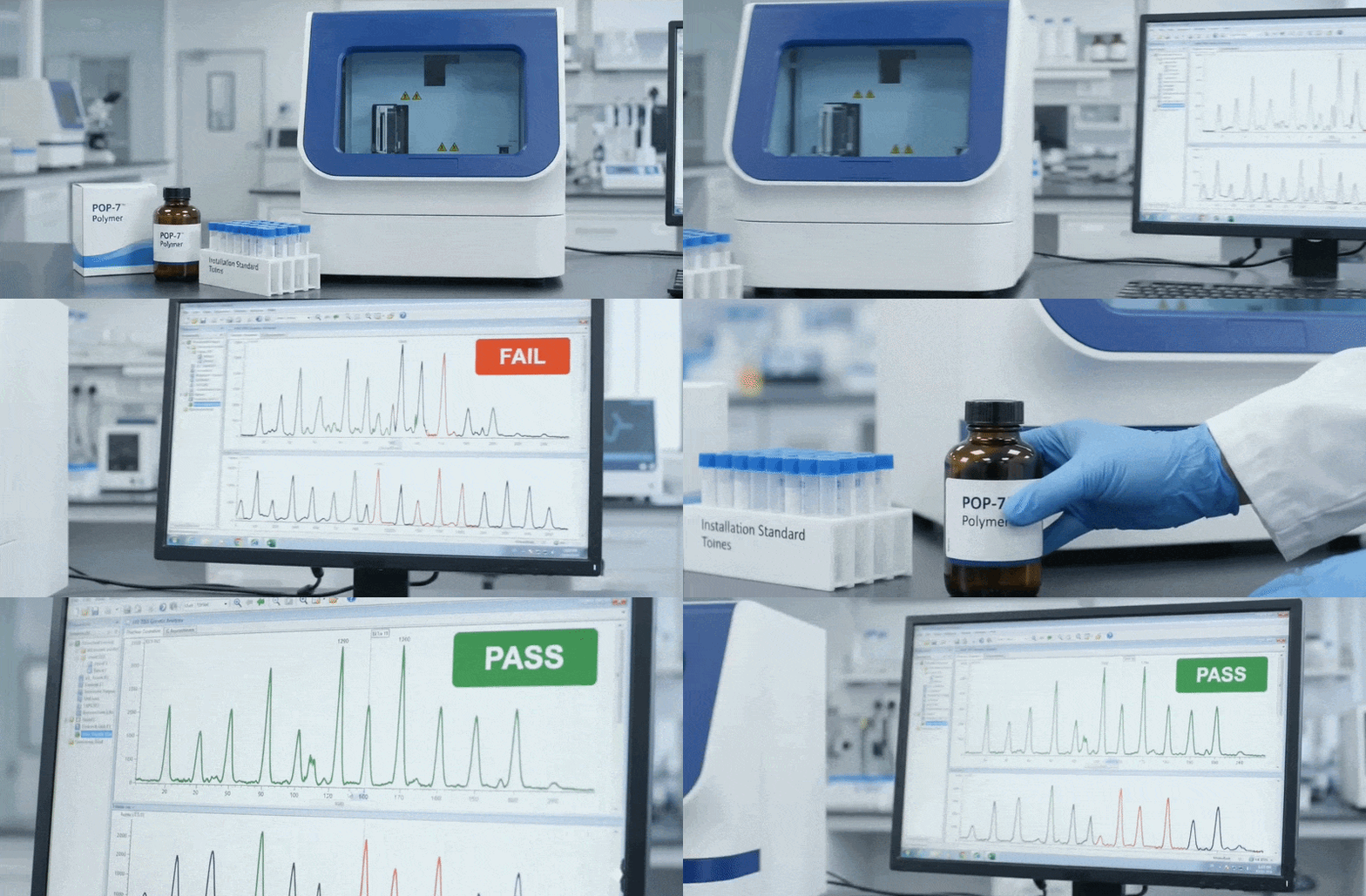
If your ABI 3500 Genetic Analyzer fails performance verification after a passed Preventive Maintenance (PM) run, hidden POP-7™ polymer degradation is often the root cause—even if the polymer hasn't expired. Perform a step-by-step A/B test replacing one consumable at a time to isolate the issue.
If your ABI 3500 Genetic Analyzer fails performance verification after a passed Preventive Maintenance (PM) run, hidden POP-7™ polymer degradation is often the root cause—even if the polymer hasn't expired. Perform a step-by-step A/B test replacing one consumable at a time to isolate the issue.