At a Glance: The "Vibe Coding" Shortcut
- The Problem: NotebookLM slides often look generic and "canned"
- The Solution: Use YAML commands (Vibe Coding) to dictate professional design rules.
- The Workflow: Screenshot a style you love → Let ChatGPT/Gemini translate it to YAML → Paste into NotebookLM.
- The Result: High-end, branded presentations from technical documents in minutes.
Have you ever had this experience? Using NotebookLM to generate presentations is fast, but the color schemes and layouts always seem to have that “cheap, canned” look.
You want to adjust the style, but then realize you don’t understand design and can’t write complex code either. In the end, you go back to slowly dragging elements around in PowerPoint.
The truth is, you don’t need to be an engineer to precisely control the design of AI.
Concept Upgrade | What Is YAML?
A “Design Brief” for Your AI Architect
Don’t think of YAML as something complicated. Its logic is actually as simple as giving instructions to an interior designer.
-
General instruction: “Make it look professional” 👉 AI improvises randomly; the quality is unstable and generic.
- YAML instruction: “Mid-century modern style, walnut wood textures, forest green accents, minimalist shelving” 👉 AI executes precisely; zero ambiguity.
In presentations, we’re simply replacing “walnut wood” and “forest green” with color codes and font weights, telling NotebookLM exactly how the layout should "breathe."
Lazy-Person Must-Learn | Don’t Know YAML? Let AI Write It
The 3-Step "Visual Translation" Method
-
Find Style Inspiration: Take a screenshot of a brand website or a design you love (e.g., Apple, MUJI, or a professional corporate site).
- Visual Translation: Upload the screenshot to ChatGPT/Gemini and enter this prompt:
| Please analyze the visual style of this image (including HEX color codes, font styles, whitespace ratio, and grid system), and convert it into YAML presentation command code specifically for NotebookLM. - Copy & Paste: Copy the full YAML code block generated and paste it directly into NotebookLM.
A Real-World Example
Let's say you want to turn a dry technical manual—like the 3130/xl and 3730/xl Maintenance Guide—into a high-end presentation.
- The Inspiration: A screenshot of the Bureau Veritas "All About Trust" website.
- The Translation: ChatGPT analyzes the screenshot and provides the Visual Style Analysis and the YAML Spec.
- The prompt:
| Please analyze the visual style of the attached screenshot of this page https://group.bureauveritas.com/all-about-trust-1-norway-jorn (including HEX color codes, font styles, whitespace ratio, and grid system), and convert it into YAML presentation command code specifically for NotebookLM.
- The prompt:
- The Execution: Head to NotebookLM and attach the 3130/xl and 3730/xl maintenance guide as the source document. Go to the Slide Deck tool, paste the YAML codes from ChatGPT into the dialog box, and click Generate.
- The Result: After a few minutes, NotebookLM generates the full deck. View the slides by choosing Start slideshow or download the finished product as a PDF.
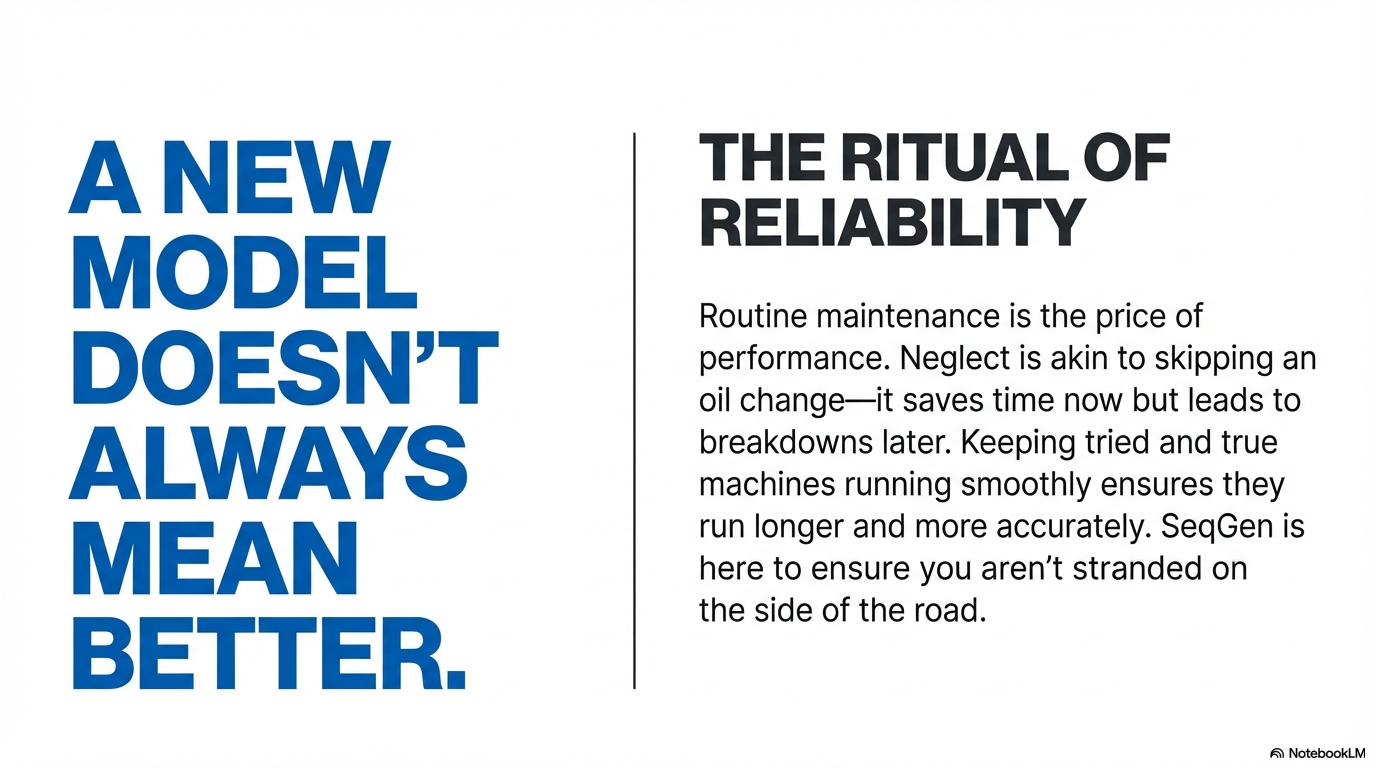
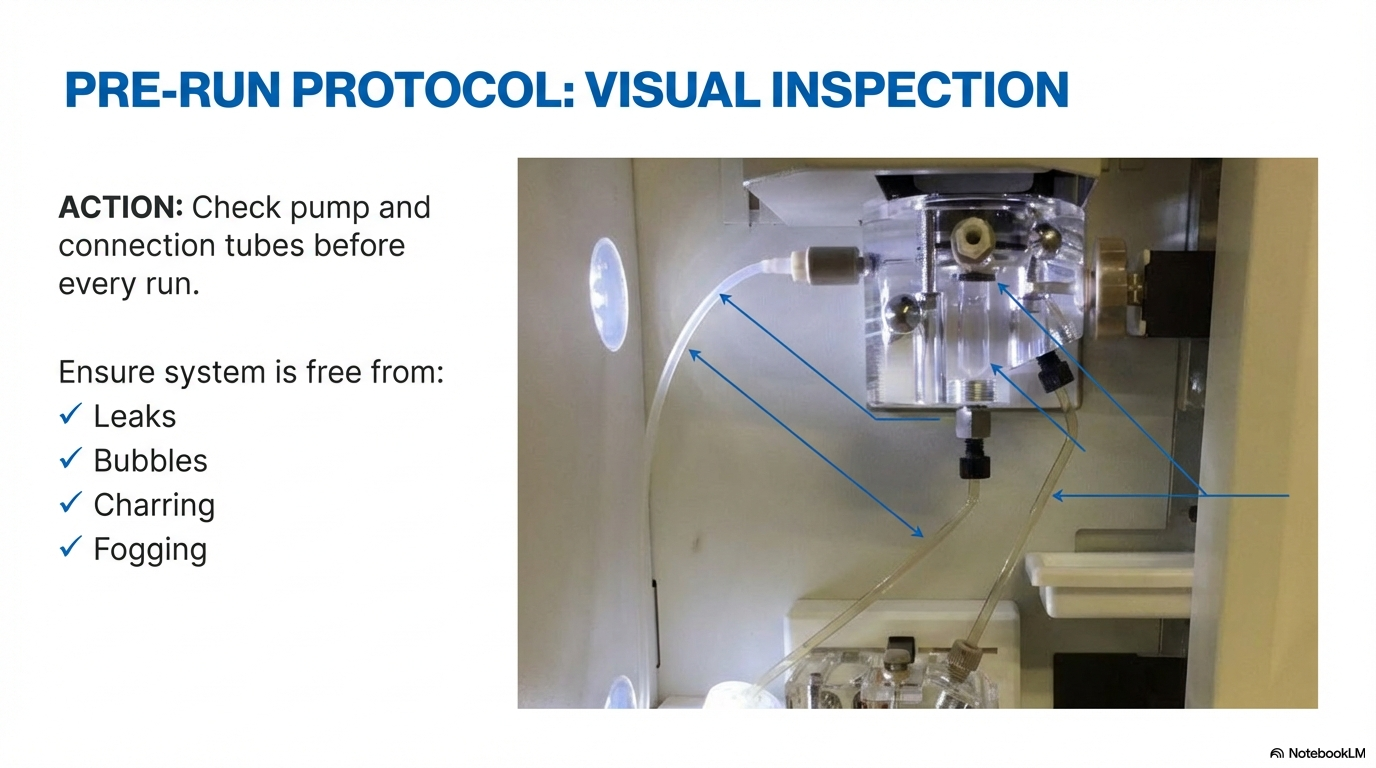
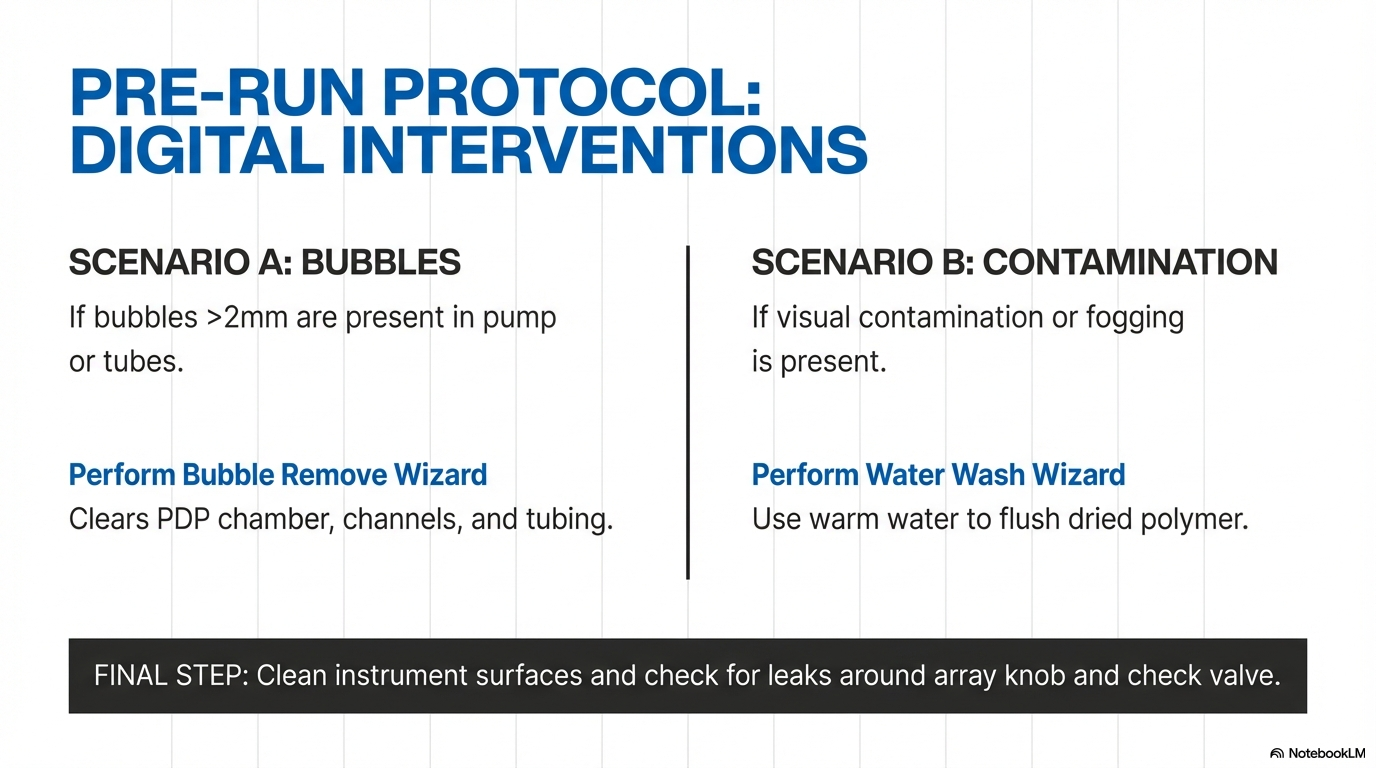
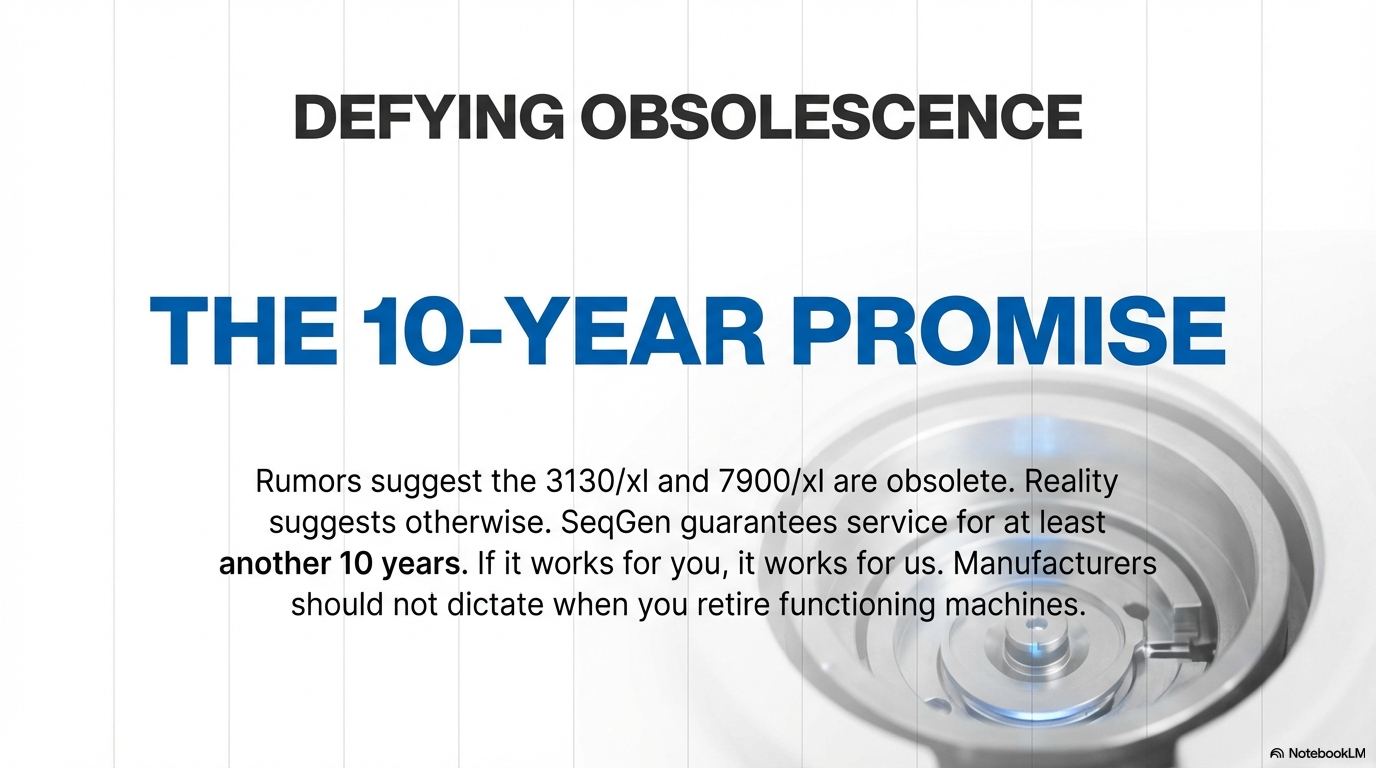
- Here are a few slides from this process.
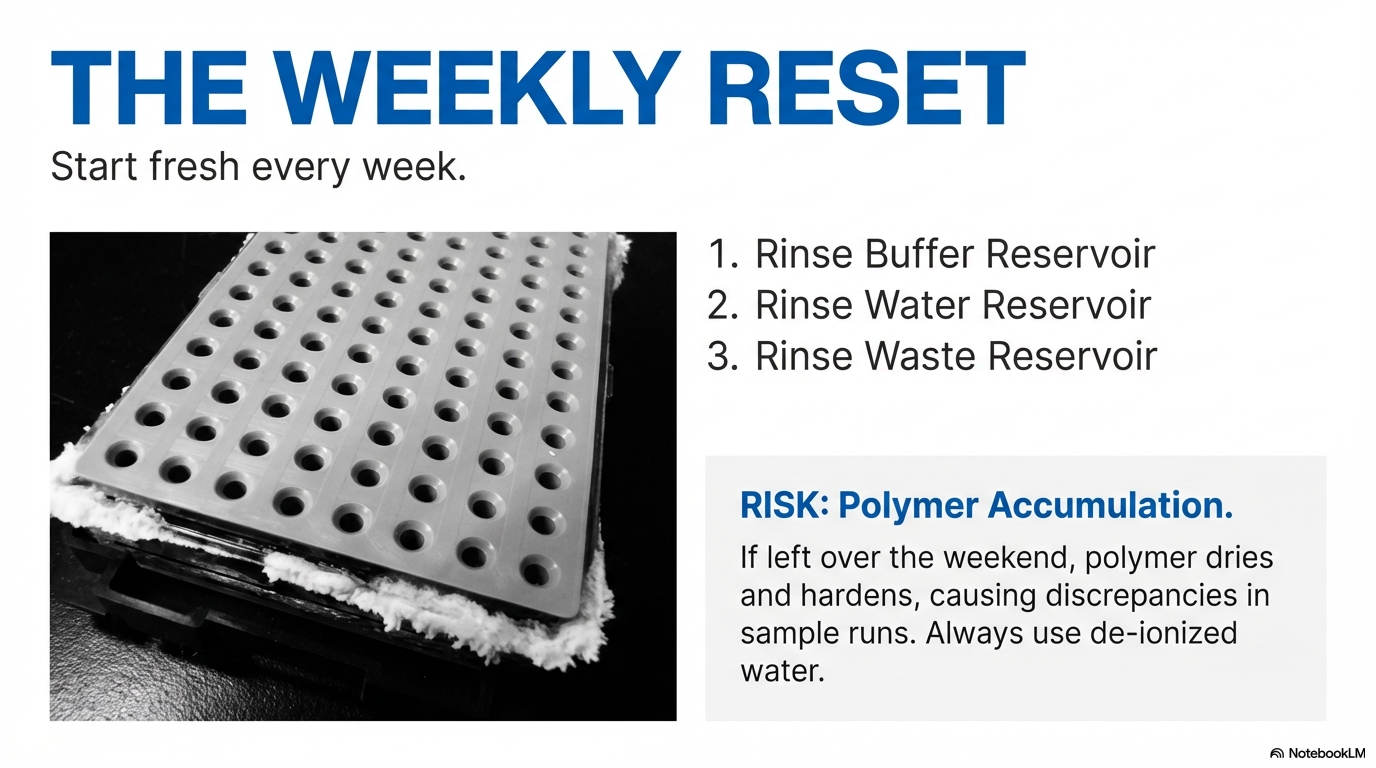
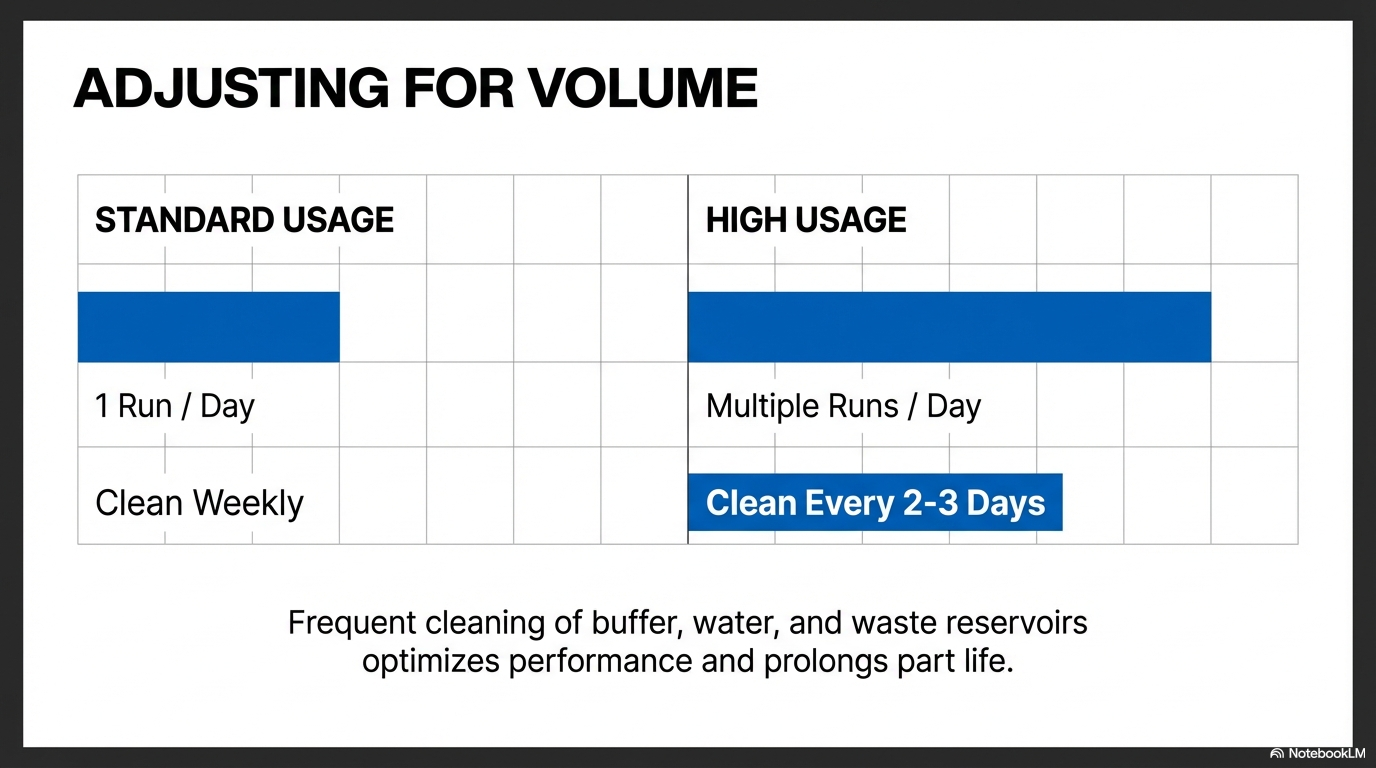
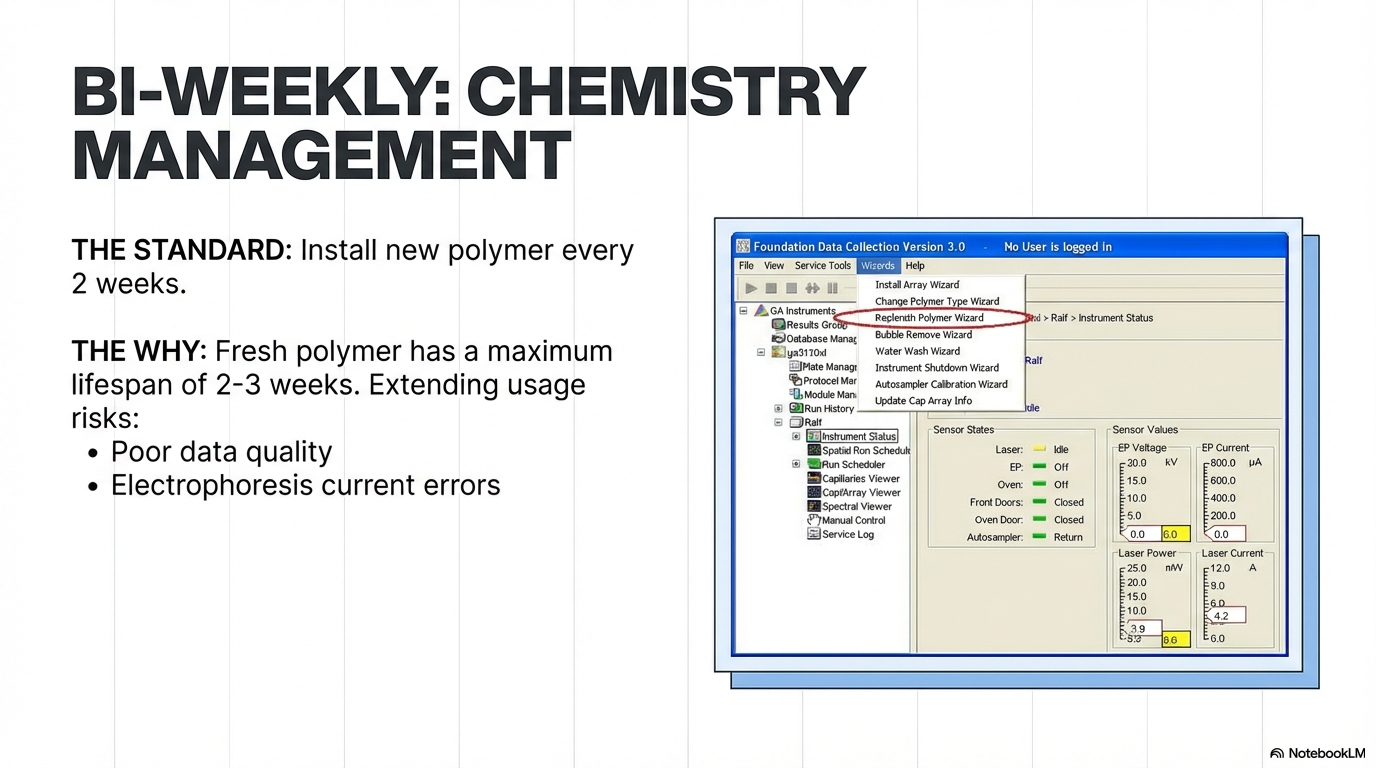
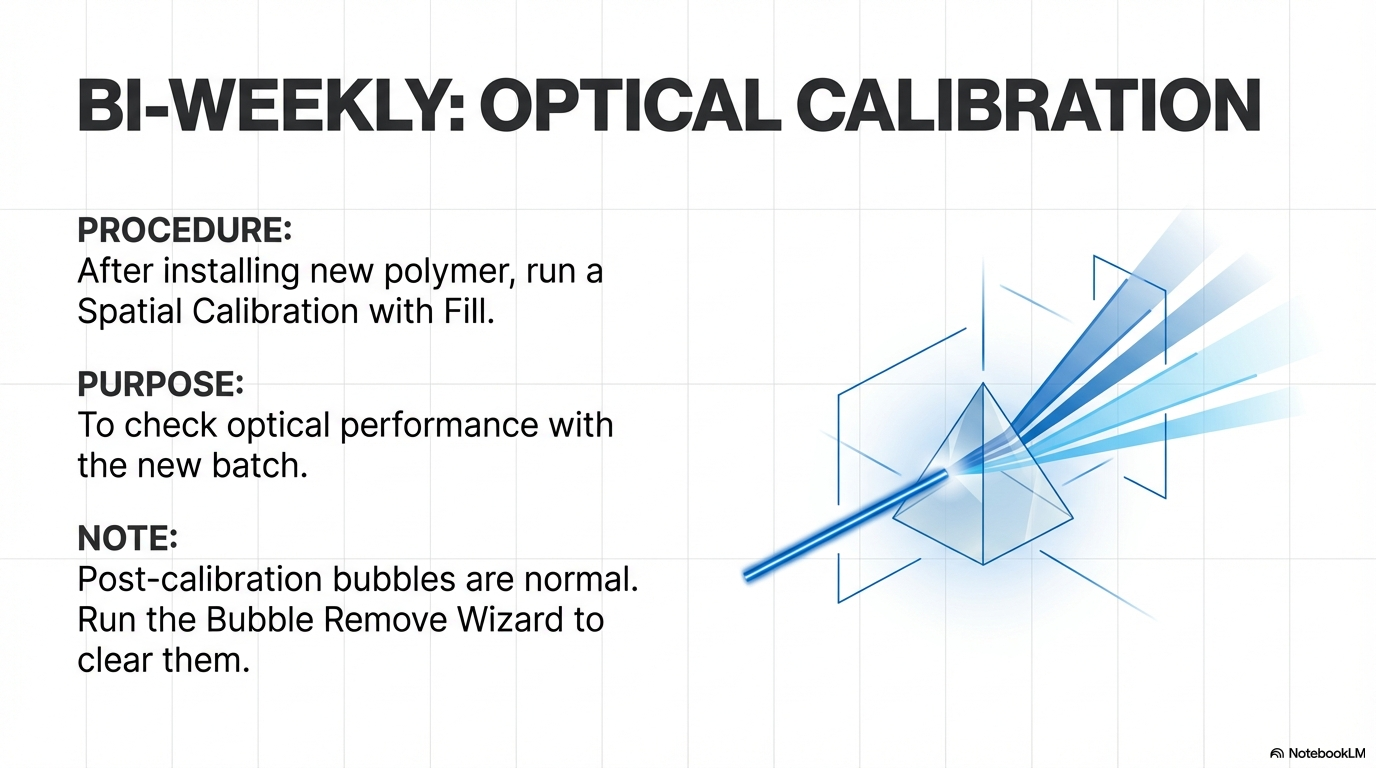
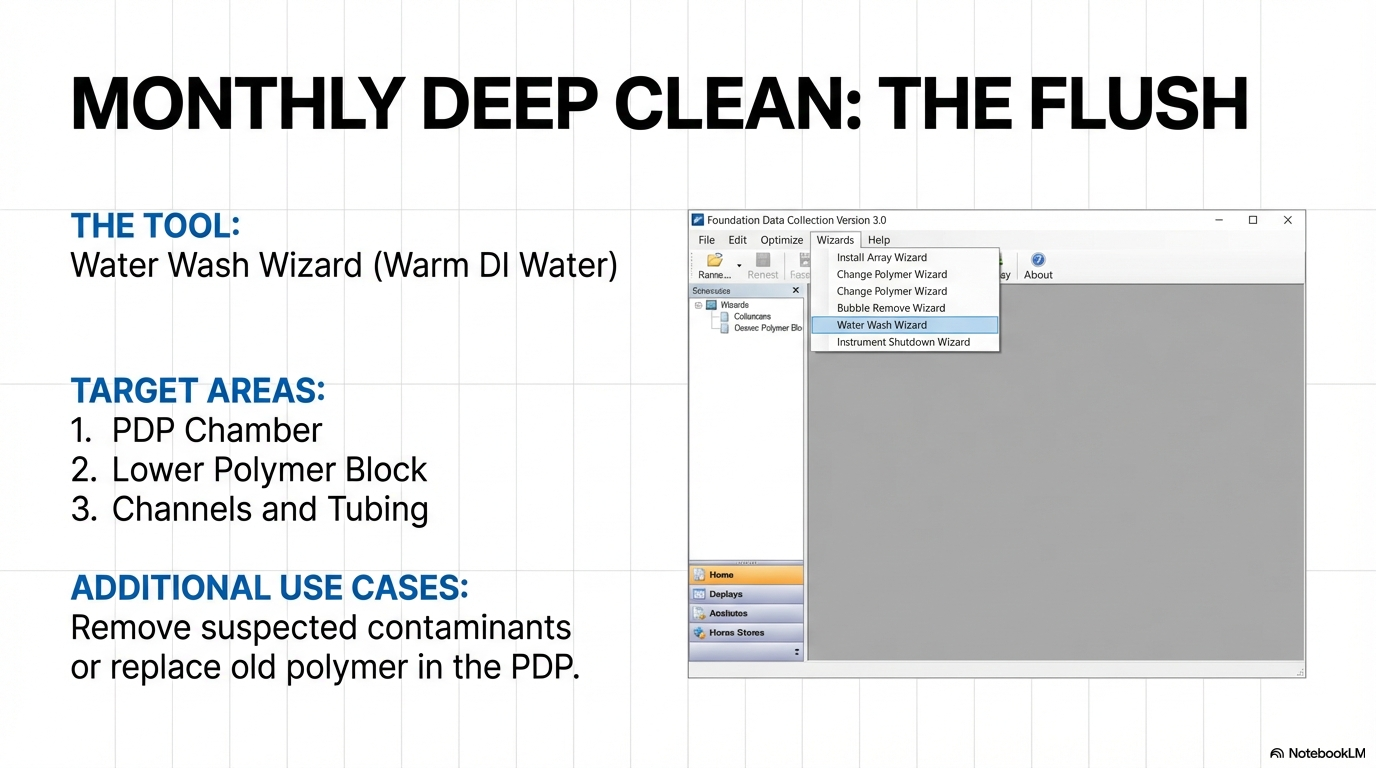
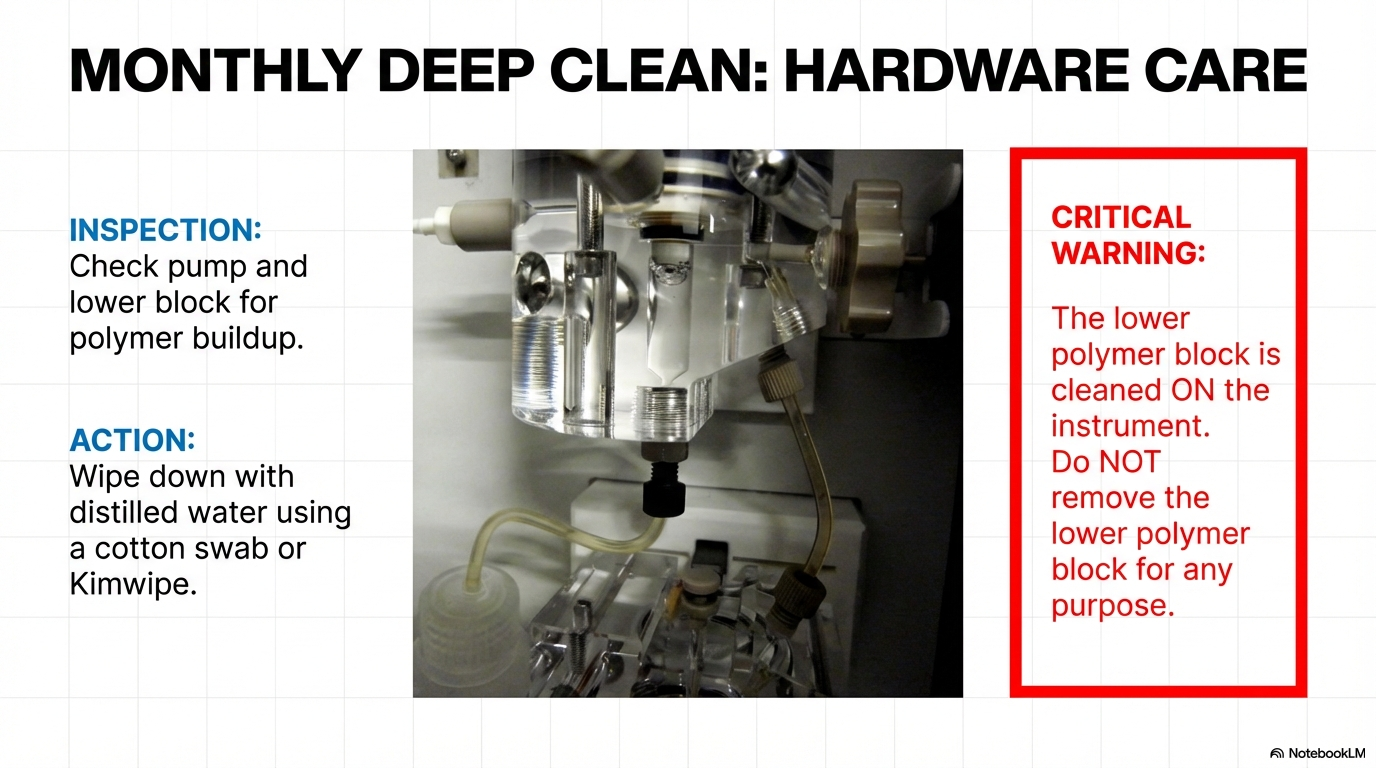
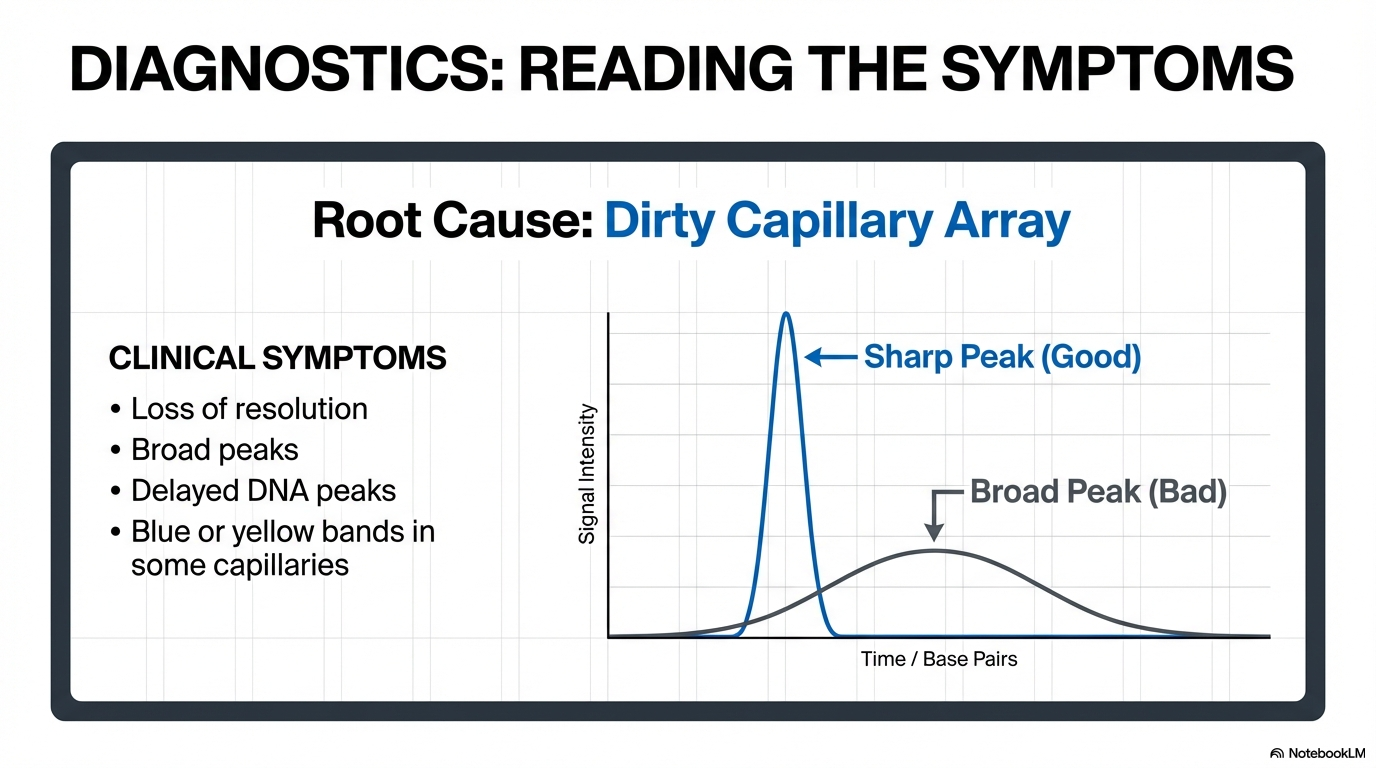
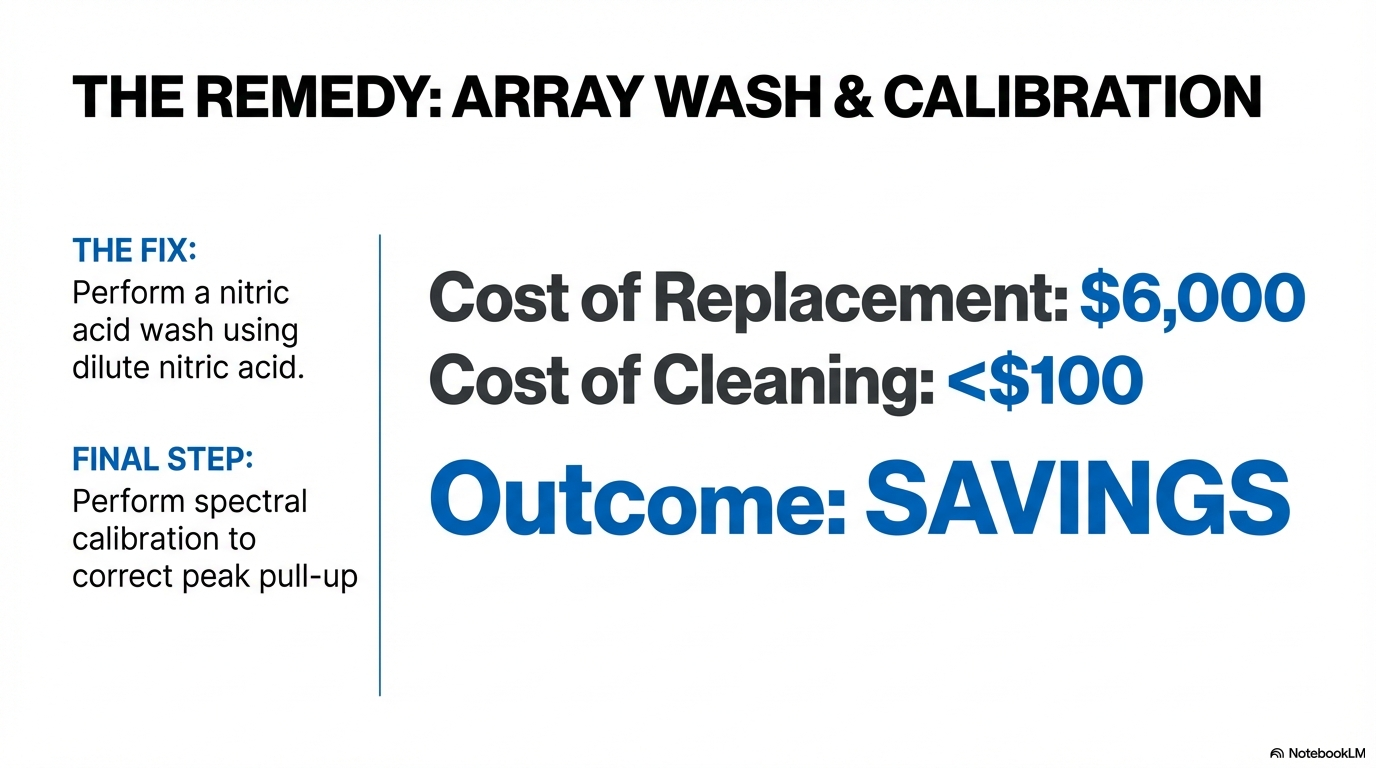
Hands-On Workflow | From Source to Output
Follow this standard process for any project:
- Feed in source materials: Upload PDFs, handouts, or YouTube transcripts.
- Enable custom mode: Click the “Custom Presentation” or "Slide Deck" icon.
- Paste the Vibe Code: Paste the AI-generated YAML commands into the dialog box.
- Generate: Watch AI apply the specified artisan-level design style!
Gentle Reminder | This is “Director Thinking”
NotebookLM handles the content; YAML controls the style. Since the final output is generated as a complete PDF or individual image files for each slide, this workflow is perfect for creating static, high-impact visual assets.
If more refined animations or layer-by-layer adjustments are needed later, these high-quality images can be imported into Canva or PowerPoint for final presentation polishing.
Use tools collaboratively. Let aesthetic judgment take the lead—even a maintenance guide can become elegant.
Welcome to the SeqGen Lab AI 101 Guide. This series shares practical insights, tutorials, and real examples of how AI tools can enhance lab workflows and scientific research. We hope you find these posts helpful in applying AI to your work. Stay tuned — more content, case studies, and actionable tips are on the way.
SeqGen specializes in the repair, maintenance, and refurbishment of essential laboratory instruments used in DNA sequencing and genetic research. Our expertise covers a wide range of equipment, including DNA sequencers like the ABI 3730/3730XL, 3500/3500XL, SCIEX LC/MS mass spectrometers such as the SCIEX 6500+, TECAN Freedom EVO liquid handlers, real-time PCR systems, thermal cyclers, and microplate readers. With experience in both current and legacy models, we provide cost-effective solutions at significantly lower prices than leading competitors.