
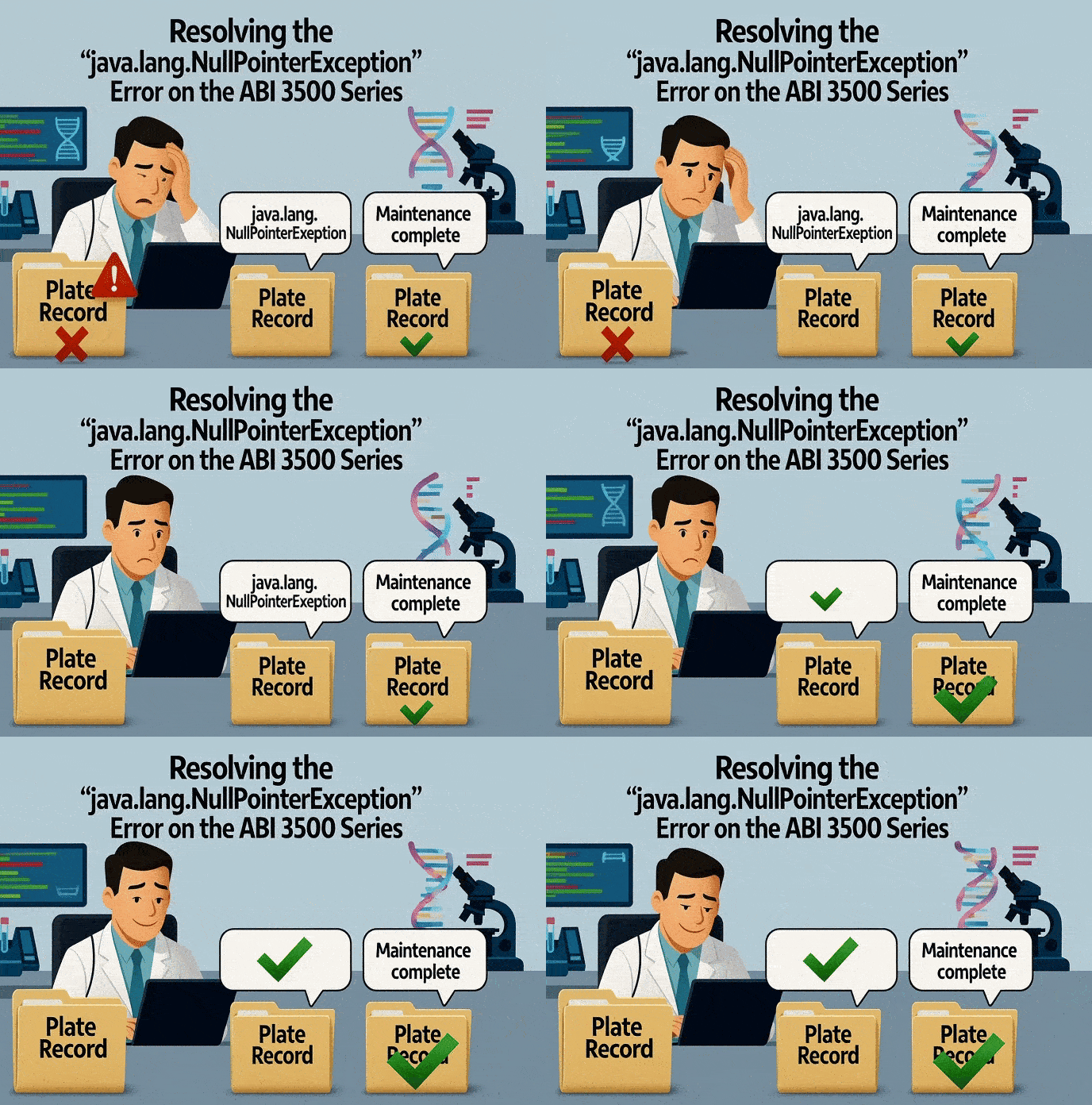
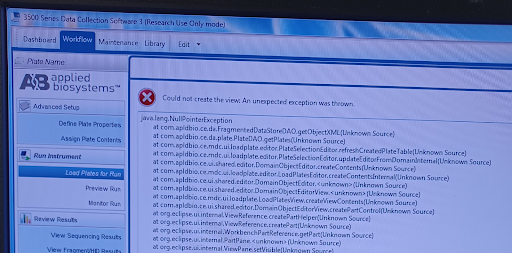
Are you an Applied Biosystems (ABI) 3500 Series user running into a frustrating error when trying to set up your sequencing run? You're not alone. We've seen an issue pop up where the software throws a "Could not create the view: An unexpected exception was thrown, java.lang.NullPointerException" error specifically when generating the 'Load Plates for Run' page. The rest of the Data Collection software seems fine—you can define plates, assign content, and navigate other menus. But that crucial step of linking the plate to the run is blocked. If restarting the instrument and computer hasn't helped, the cause is likely a surprisingly simple one: your Plate Record folder is full!
The Issue: Hitting the Plate Record Limit
This specific java.lang.NullPointerException is often triggered because the Data Collection software has reached its upper limit for the number of plates it can track in the Datastore, which is typically 800 plate records. When this limit is hit, the software can't properly access the data needed to display the 'Load Plates for Run' view, resulting in the error.
The Solution: Clearing Out Old Plate Records
To resolve this and get back to your sequencing, you need to clear out the old, processed plate records from the software's database and the underlying folder.
Step 1: Delete Records within the Data Collection Software
- Navigate to the Data Collection software.
- Click on the "Library" tab in the top menu.
- Select "Plates".
- In the right-side panel, you will see a list of all your plate records. You need to delete the processed plates records that you no longer need.
⚠️ Important: Be careful not to delete any default plate records that came with the software. Delete your old experimental plates one by one.
Step 2: Verify Removal from the Datastore Folder
After deleting the records in the software, it's essential to confirm they've been removed from the system's storage location:
- Using Windows Explorer, navigate to the following directory on the instrument computer:
D:\AppliedBiosystems\3500\datastore\PlateRecord - Verify that the records corresponding to the plates you deleted in Step 1 are no longer present in this folder. If they are still there, you may need to manually delete or transfer them out (though the software should handle this).
Step 3: Reboot the System
Once the plate records have been cleared from both the software interface and the datastore folder, perform a final system reboot:
- Reboot the computer.
- Reboot the ABI 3500 instrument following the proper sequence as outlined in your user manual.
By reducing the number of plates in the Plate Record folder, you should successfully clear the buffer that was causing the java.lang.NullPointerException and be able to access the 'Load Plates for Run' page again!
Pro Tip: Make this plate record cleanup a regular maintenance step to prevent future interruptions! 🧹🧬
Frequently Asked Questions (FAQs)
1. What causes the java.lang.NullPointerException when loading plates on the ABI 3500?
This error is typically triggered when the Data Collection software reaches its maximum Datastore limit of 800 plate records. Once this capacity is hit, the software cannot access the necessary data to generate the 'Load Plates for Run' view.
2. How do I fix the "Could not create the view" error on the ABI 3500?
You can resolve this by clearing old, processed plate records. Navigate to the Library tab in the Data Collection software, select Plates, and delete old experimental records. Verify their removal in the datastore folder, then reboot both the system computer and the ABI 3500 instrument.
3. Where is the Plate Record folder located on the ABI 3500 computer?
You can verify the removal of plate records by navigating to the following directory using Windows Explorer on the instrument computer: D:\AppliedBiosystems\3500\datastore\PlateRecord.
4. Is it safe to delete all plate records from the Library to save space?
No. You should strictly delete your old experimental plates one by one. Do not delete any of the default plate records that came pre-installed with the software.
5. How can I prevent the java.lang.NullPointerException from returning?
Make clearing out old plate records a routine maintenance step. Regularly deleting processed experimental plates will keep your datastore well below the 800-record limit and prevent future workflow interruptions.
SeqGen specializes in the repair, maintenance, and refurbishment of essential laboratory instruments used in DNA sequencing and genetic research. Our expertise covers a wide range of equipment, including DNA sequencers like the ABI 3730/3730XL, 3500/3500XL, SCIEX LC/MS mass spectrometers such as the SCIEX 6500+, TECAN Freedom EVO liquid handlers, real-time PCR systems, thermal cyclers, and microplate readers. With experience in both current and legacy models, SeqGen provides cost-effective solutions at significantly lower prices than leading competitors.