---
title: SeqGen Blog (9)
description: (9)
---
- [MARKETPLACE](https://seqgen.com/marketplace/)
- [CAREERS](https://seqgen.com/careers/)
- [TERMS & CONDITIONS](https://seqgen.com/wp-content/uploads/2026/03/POL_011-Rev.A_Terms-and-Conditions-of-Sales-for-Products-and-Services.pdf)
- [ISO 9001 CERTIFICATE](https://seqgen.com/wp-content/uploads/2026/01/SeqGen-Final-Cert_2026-2029.pdf)
- [SALES INQUIRY](https://seqgen.com/sales-inquiry/)
- [SERVICE REQUEST](http://seqgen.com/service-request/)
- [TESTIMONIALS](https://seqgen.com/testimonials/)
[](https://seqgen.com/)
- [SeqMo Rewards](https://seqgen.com/seqmo-rewards/)
- [HOME](https://seqgen.com/)
- [ABOUT US](https://seqgen.com/about-us/)
- [Our History](https://seqgen.com/about-us/our-history-2/)
- [Our Engineers](https://seqgen.com/about-us/our-engineers/)
- INSTRUMENT MODEL
- [LC/MS](https://seqgen.com/instrument-model/lc-ms/)
- [Sciex 3000 system](https://seqgen.com/instrument-model/lc-ms/api-3000/)
- [Sciex 3200 system](https://seqgen.com/instrument-model/lc-ms/api-3200/)
- [Sciex 4000 system](https://seqgen.com/instrument-model/lc-ms/api-4000/)
- [Sciex 4500 system](https://seqgen.com/instrument-model/lc-ms/api-4500/)
- [Sciex 5500 system](https://seqgen.com/instrument-model/lc-ms/api-5500/)
- [Sciex 6500 system](https://seqgen.com/instrument-model/lc-ms/api-6500/)
- [LC systems](https://seqgen.com/instrument-model/lc-ms/lc-systems/)
- [DNA Analyzer](https://seqgen.com/instrument-model/dna-analyzer/)
- [ABI 3100](https://seqgen.com/instrument-model/dna-analyzer/abi-3100/)
- [ABI 3130/3130XL](https://seqgen.com/instrument-model/dna-analyzer/abi-3130-3130xl/)
- [ABI 3500/3500XL](https://seqgen.com/instrument-model/dna-analyzer/abi-3500-3500xl/)
- [ABI 3730/3730XL](https://seqgen.com/instrument-model/dna-analyzer/abi-3730-3500xl/)
- [Real-Time PCR](https://seqgen.com/instrument-model/real-time-pcr/)
- [ABI 7300/7500](https://seqgen.com/instrument-model/real-time-pcr/abi-7300-7500/)
- [ABI 7900](https://seqgen.com/instrument-model/real-time-pcr/abi-7900/)
- [Thermal Cyclers](https://seqgen.com/instrument-model/thermal-cyclers/)
- [ABI 2720](https://seqgen.com/instrument-model/thermal-cyclers/abi-2720-2/)
- [ABI 9700](https://seqgen.com/instrument-model/thermal-cyclers/abi-9700/)
- [ABI 9800](https://seqgen.com/instrument-model/thermal-cyclers/abi-9800/)
- [Liquid Handler](https://seqgen.com/instrument-model/liquid-handler/)
- [Tecan Freedom Evo](https://seqgen.com/instrument-model/liquid-handler/tecan-freedom-evo/)
- [Microplate Reader](https://seqgen.com/instrument-model/microplate-reader/)
- [Coming Soon](https://seqgen.com/instrument-models/microplate-reader/)
- [SALES](https://seqgen.com/sales/)
- [SERVICE](https://seqgen.com/service/)
- [CONTACT](https://seqgen.com/contact/)
- [BLOG](https://blog.seqgen.com)
- [HOME](http://seqgen.com/)
- [ABOUT US](https://seqgen.com/about-us/)
- [Our History](https://seqgen.com/about-us/our-history-2/)
- [Our Engineers](https://seqgen.com/about-us/our-engineers/)
- INSTRUMENT MODEL
- [LC/MS](https://seqgen.com/instrument-model/lc-ms/)
- [Sciex 3000 system](https://seqgen.com/instrument-model/lc-ms/api-3000/)
- [Sciex 3200 system](https://seqgen.com/instrument-model/lc-ms/api-3200/)
- [Sciex 4000 system](https://seqgen.com/instrument-model/lc-ms/api-4000/)
- [Sciex 4500 system](https://seqgen.com/instrument-model/lc-ms/api-4500/)
- [Sciex 5500 system](https://seqgen.com/instrument-model/lc-ms/api-5500/)
- [Sciex 6500 system](https://seqgen.com/instrument-model/lc-ms/api-6500/)
- [DNA ANALYZER](https://seqgen.com/instrument-model/dna-analyzer/)
- [ABI 3100](https://seqgen.com/instrument-model/dna-analyzer/abi-3100/)
- [ABI 3130/3130XL](https://seqgen.com/instrument-model/dna-analyzer/abi-3130-3130xl/)
- [ABI 3500/3500XL](https://seqgen.com/instrument-model/dna-analyzer/abi-3500-3500xl/)
- [ABI 3730/3730XL](https://seqgen.com/instrument-model/dna-analyzer/abi-3730-3500xl/)
- [REAL-TIME PCR](https://seqgen.com/instrument-model/real-time-pcr/)
- [ABI 7300/7500](https://seqgen.com/instrument-model/real-time-pcr/abi-7300-7500/)
- [ABI 7900](https://seqgen.com/instrument-model/real-time-pcr/abi-7900/)
- [THERMAL CYCLERS](https://seqgen.com/instrument-model/thermal-cyclers/)
- [ABI 2720](https://seqgen.com/instrument-model/thermal-cyclers/abi-2720-2/)
- [ABI 9700](https://seqgen.com/instrument-model/thermal-cyclers/abi-9700/)
- [ABI 9800](https://seqgen.com/instrument-model/thermal-cyclers/abi-9800/)
- [LIQUID HANDLER](https://seqgen.com/instrument-model/liquid-handler/)
- [Tecan Freedom Evo](https://seqgen.com/instrument-model/liquid-handler/tecan-freedom-evo/)
- [SALES](https://seqgen.com/sales/)
- [SERVICE](https://seqgen.com/service/)
- [CONTACT](https://seqgen.com/contact/)
- [SERVICE REQUEST](https://seqgen.com/service-request/)
- [SALES INQUIRY](https://seqgen.com/sales-inquiry/)
- [BLOG](https://blog.seqgen.com/)
- [TESTIMONIALS](https://seqgen.com/testimonials/)
- [ISO 9001 CERTIFICATE](https://seqgen.com/wp-content/uploads/2026/01/SeqGen-Final-Cert_2026-2029.pdf)
## [Your Sequencer Deserves a Spring Break Too](https://blog.seqgen.com/your-sequencer-deserves-a-spring-break-too)
16 March 2017
[](https://blog.seqgen.com/your-sequencer-deserves-a-spring-break-too)
It’s the start of that time of the year—vacation time!!! With spring almost upon us, it’s hard to concentrate when we are already envisioning ourselves basking in the warm sunshine. However, before you shut off the lights in the lab to enjoy some relaxing time away, it’s also important to shut down your machine properly so it’s ready to run upon your return.
[Read More](https://blog.seqgen.com/your-sequencer-deserves-a-spring-break-too)
## [Resuspending Your Samples In Water? Follow These 3 Precautions](https://blog.seqgen.com/resuspending-your-samples-in-water-follow-these-3-precautions)
08 March 2017
[](https://blog.seqgen.com/resuspending-your-samples-in-water-follow-these-3-precautions)
Many of our users have found that when using water for injections instead of Hi-Di formamide, they end up with issues that prevent base calling, even when following the machine standards. Proper technique should produce signal strengths well above the minimum threshold when samples are resuspended in formamide.
However, if you are still having issues with signal strength, you can try resuspending your samples in water, since this can increase signal strength by over 10x. If you do try employing water for injections, make sure you’re cautious of these three things:
[Read More](https://blog.seqgen.com/resuspending-your-samples-in-water-follow-these-3-precautions)
## [4 Ways to Extend Your Lab's Budget Instantly](https://blog.seqgen.com/4-ways-to-extend-your-labs-budget-instantly)
02 March 2017
[](https://blog.seqgen.com/4-ways-to-extend-your-labs-budget-instantly)
No matter what industry you’re in, budgets are tight. Costs for reagents, coverage plans, unexpected breakdowns, and plenty of other issues--the funds dry up quickly.
However, over the years we’ve picked up plenty of tips and tricks that can save your lab money and extend the life of your machine and its parts. So without further ado, here are 4 ways you can squeeze more out of your lab’s budget now.
[Read More](https://blog.seqgen.com/4-ways-to-extend-your-labs-budget-instantly)
## [SeqGen is Now ISO 9001:2015 Certified](https://blog.seqgen.com/seqgen-is-now-iso-90012015-certified)
21 February 2017
[](https://blog.seqgen.com/seqgen-is-now-iso-90012015-certified)
---
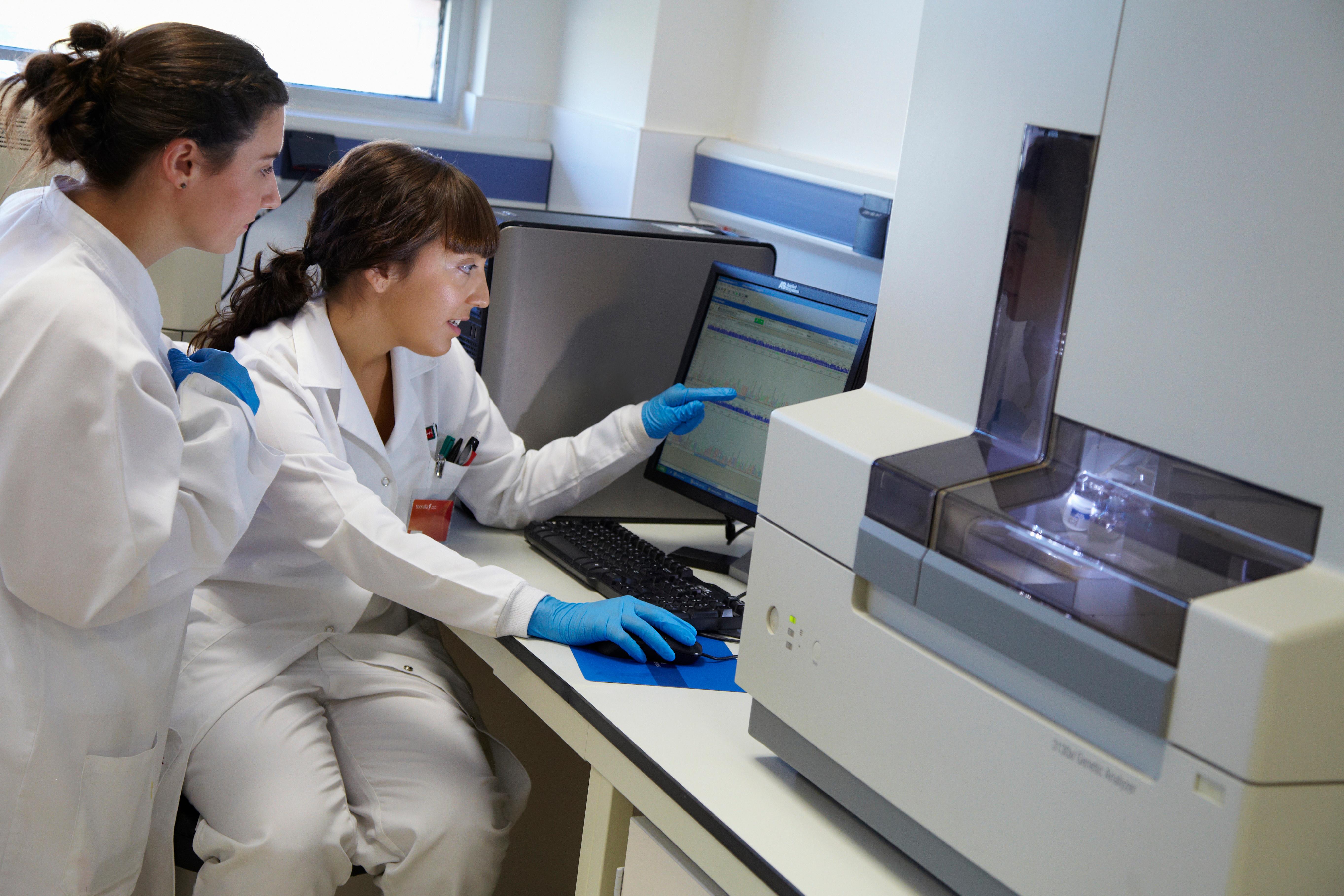
There’s been a lot going on here at SeqGen recently. In addition to introducing our [Next-Gen Sequencing Division,](https://blog.seqgen.com/blog/you-asked-we-delivered) we’ve also been working on some internal processes to increase the efficiency of our service. And last month, all of our hard work was recognized when we received our International Organization for Standardization [(ISO) 9001:2015 certification.](https://seqgen.com/wp-content/uploads/2022/12/PJR_SeqGen-Final-Cert_01-26-2023.pdf)
[Read More](https://blog.seqgen.com/seqgen-is-now-iso-90012015-certified)
## [Re-Purposing Your Old Polymer](https://blog.seqgen.com/re-purposing-your-old-polymer)
15 February 2017
[](https://blog.seqgen.com/re-purposing-your-old-polymer)
---
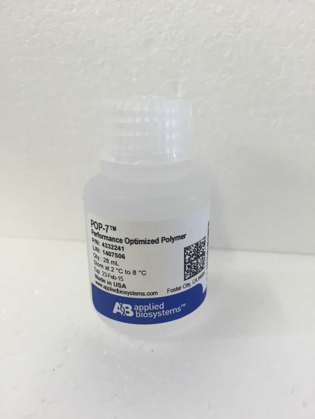
We all know that the reagents for your sequencers and qPCR machines aren’t cheap, so of course everyone is looking for any and every way to save on these supplies. With a bottle of polymer costing a few hundred dollars, you learn quickly that it is not to be wasted. Luckily, some very bright people work with these machines every day and they’ve come up with some ingenious ways to get the most out of your polymer.
[Read More](https://blog.seqgen.com/re-purposing-your-old-polymer)
## [Is It Time for Your 3500 Genetic Analyzer's PM?](https://blog.seqgen.com/is-it-time-for-your-3500-genetic-analyzers-pm)
08 February 2017
[](https://blog.seqgen.com/is-it-time-for-your-3500-genetic-analyzers-pm)
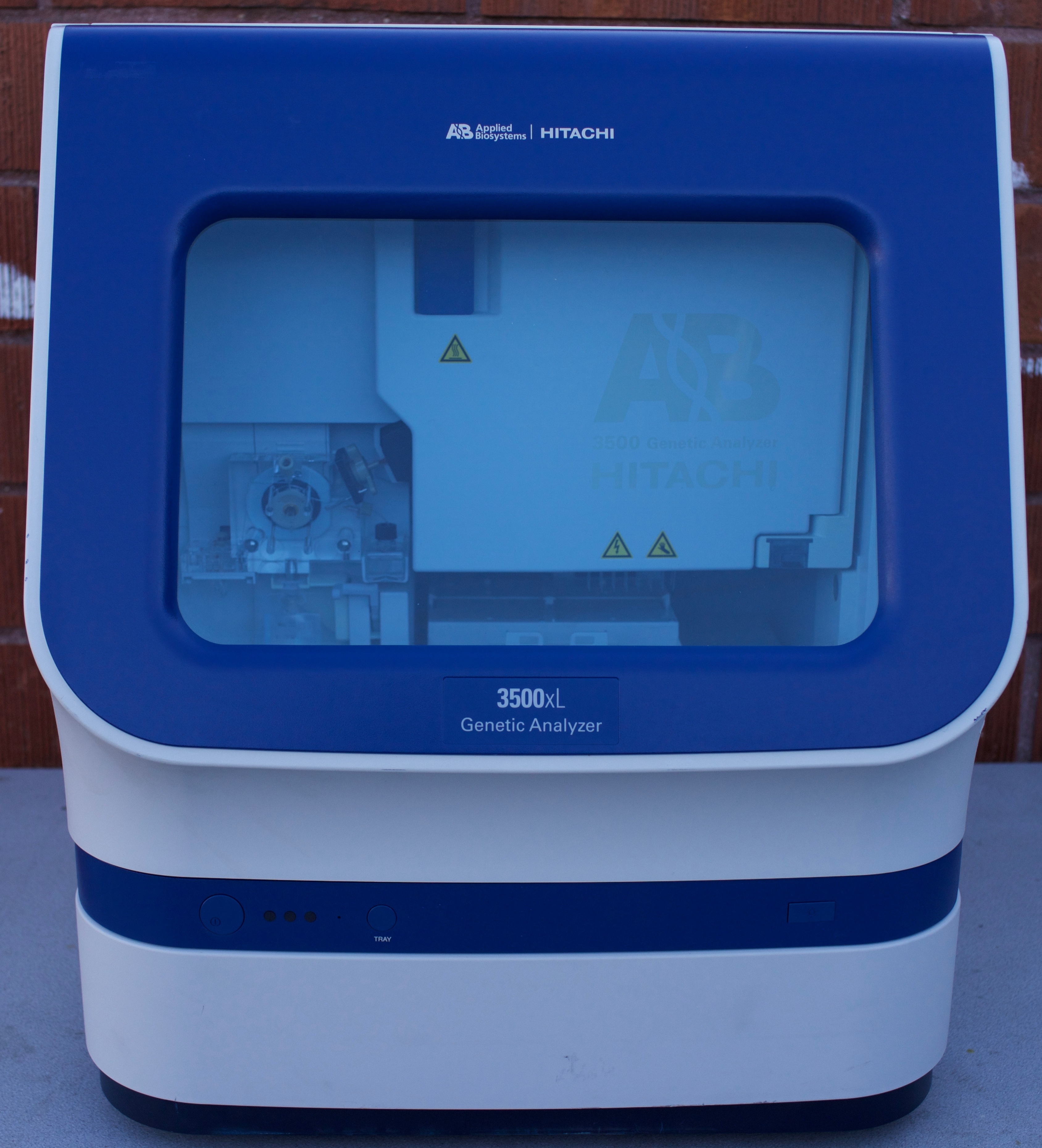
With everything that goes on in the lab throughout the day, it’s easy to forget about routine maintenance and taking care of your machine. As with any piece of specialized equipment, you’re going to have wear and tear that causes a need for regular service. Without it, you’re risking unnecessary damage to your equipment and inaccurate sample runs.
If you have a coverage plan from SeqGen, you’ll receive one preventative maintenance visit per year, and just in case you forget about it, we’ll send you a reminder. We recommend that you let the professionals give your machine some tender love and care at least once a year, but in between service visits there are a few things you can do to prolong the life of your machine.
[Read More](https://blog.seqgen.com/is-it-time-for-your-3500-genetic-analyzers-pm)
## [Optimizing MiSeq Library Cluster Density](https://blog.seqgen.com/optimizing-miseq-library-cluster-density)
02 February 2017
[](https://blog.seqgen.com/optimizing-miseq-library-cluster-density)
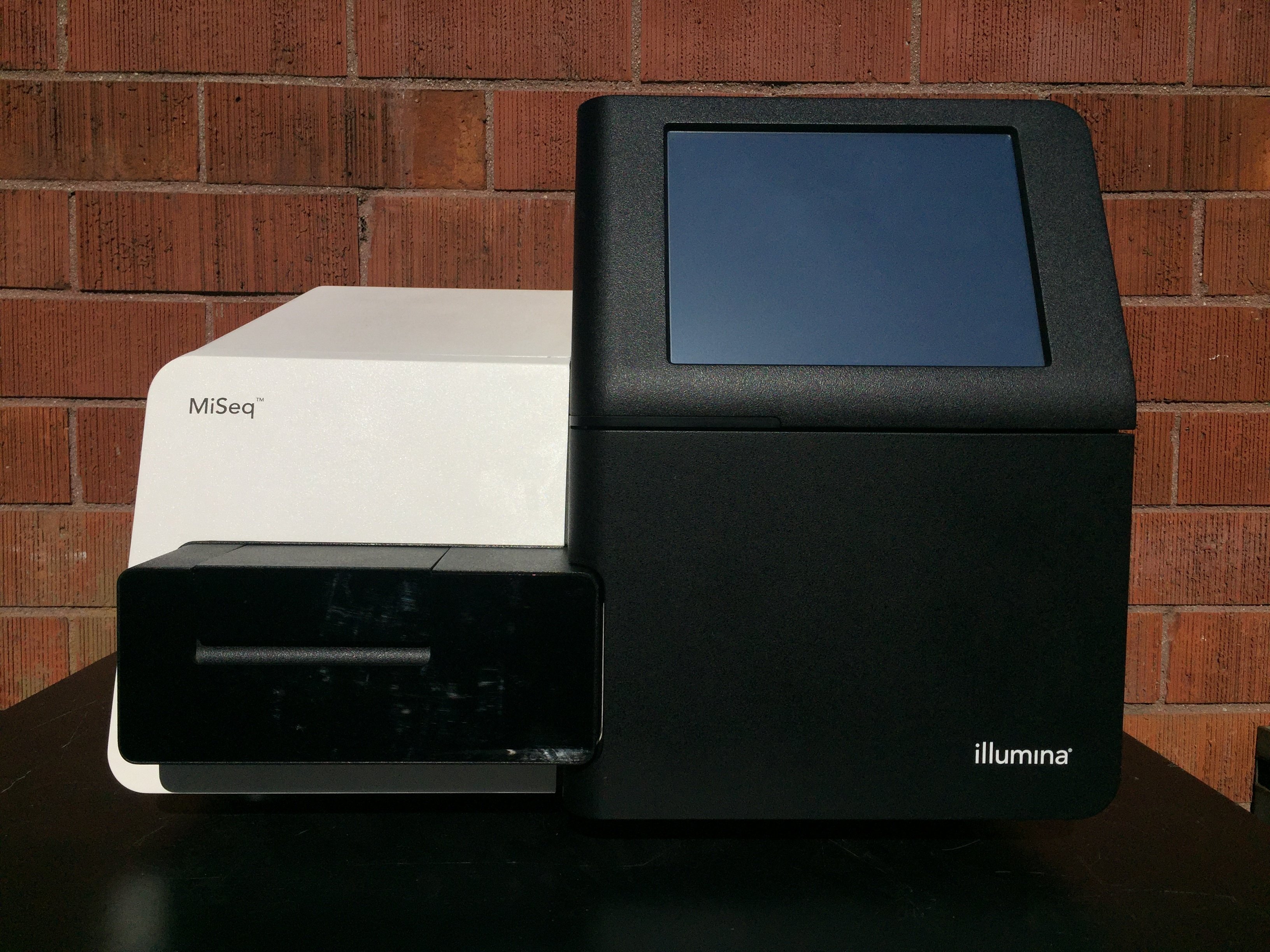
If you’ve been using your MiSeq for any length of time, you know that cluster density is a crucial part of NGS to generate the best and most data possible. Under-clustering and over-clustering your data will result in similar errors since your machine will not be able to find the best cluster focus in either case. In order to get the most data possible out of each of your runs, you’ll need to find your “sweet spot” to get the most usable data.
[Read More](https://blog.seqgen.com/optimizing-miseq-library-cluster-density)
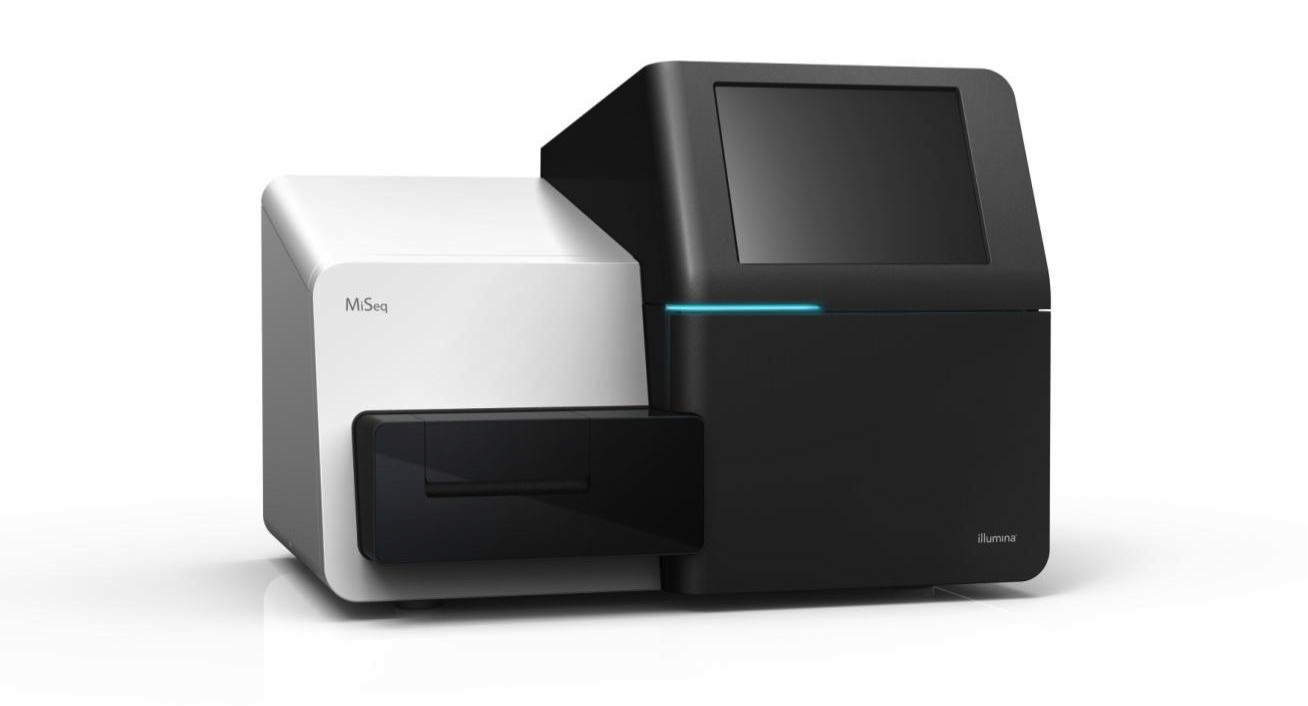
## [Don't Use Just Any Water In Your MiSeq](https://blog.seqgen.com/dont-run-just-any-water-in-your-miseq)
25 January 2017
[](https://blog.seqgen.com/dont-run-just-any-water-in-your-miseq)
---
We all know that reagents for Next-Gen Sequencing can be *enormously* *expensive*. Since most labs are running on tight budgets, it’s natural to try to pinch pennies anywhere possible. But one thing you don’t want to try to save money on might be a surprise.
It seems like more and more, we’ve seen our customers using low-grade, deionized water in their MiSeq’s. While this might seem like an easy way to save a few dollars and avoid dealing with the manufacturer, you could actually be doing damage to your machine.
---
[Read More](https://blog.seqgen.com/dont-run-just-any-water-in-your-miseq)
## [SeqGen Can Give Your Lab an NGS Make-Over](https://blog.seqgen.com/seqgen-can-give-your-lab-an-ngs-make-over-miseq)
19 January 2017
[](https://blog.seqgen.com/seqgen-can-give-your-lab-an-ngs-make-over-miseq)
---
Everyone knows how truly incredible Next-Generation Sequencing is. From its unparalleled speed and throughput, to the reduced manpower and cost it takes to perform, there’s never been a better way to sequence a genome.
For many labs, offering Next-Generation Sequencing is an absolute necessity, while others have experienced the growing need to provide NGS technology because of the numerous advantages. From research to forensics and everything in between, chances are your lab can benefit from NGS.
[Read More](https://blog.seqgen.com/seqgen-can-give-your-lab-an-ngs-make-over-miseq)
## [Our 5 Most Helpful Hints](https://blog.seqgen.com/our-5-most-helpful-hints)
12 January 2017
[](https://blog.seqgen.com/our-5-most-helpful-hints)
Over the past few years we’ve been bringing you the most common issues and best trouble shooting tips through our blog. There have been all kinds of odd errors for us to work on this year, but we kept seeing these particular problems occur over and over.
Since we love working with our partners in the lab, we wanted to dive into our blogs and bring you the most helpful tips and tricks we could find. So without further ado, here are the 5 most helpful hints we've given out so far.
[Read More](https://blog.seqgen.com/our-5-most-helpful-hints)
[Previous](https://blog.seqgen.com/page/8) [All posts](https://blog.seqgen.com/all) [Next](https://blog.seqgen.com/page/10)
Search this site on Google
Search Google
### Subscribe to Email Updates
## [](https://hubspot-cta-redirect-na2-prod.s3.amazonaws.com/cta/redirect/1939955/32eb2ce8-8e54-4e61-ad50-57f6b9b23d18)
### Recent Posts
### Posts by Topic
- [DNA Analyzer (49)](https://blog.seqgen.com/topic/dna-analyzer)
- [Others (42)](https://blog.seqgen.com/topic/others)
- [Crossword Puzzle (11)](https://blog.seqgen.com/topic/crossword-puzzle)
- [3730 Series Genetic Analyzer (10)](https://blog.seqgen.com/topic/3730-series-genetic-analyzer)
- [Tecan Freedom Evo (10)](https://blog.seqgen.com/topic/tecan-freedom-evo)
- [3500 Series Genetic Analyzer (6)](https://blog.seqgen.com/topic/3500-series-genetic-analyzer)
- [AI 101 (6)](https://blog.seqgen.com/topic/ai-101)
- [Archive (6)](https://blog.seqgen.com/topic/archive)
- [Events/News (6)](https://blog.seqgen.com/topic/events-news)
- [LC-MS (5)](https://blog.seqgen.com/topic/lc-ms)
- [Real-Time PCR (4)](https://blog.seqgen.com/topic/real-time-pcr)
- [3130 Series Genetic Analyzer (2)](https://blog.seqgen.com/topic/3130-series-genetic-analyzer)
see all
### Archives
- [August 2026 (1)](https://blog.seqgen.com/archive/2026/08)
- [July 2026 (1)](https://blog.seqgen.com/archive/2026/07)
- [June 2026 (2)](https://blog.seqgen.com/archive/2026/06)
- [March 2026 (2)](https://blog.seqgen.com/archive/2026/03)
- [February 2026 (2)](https://blog.seqgen.com/archive/2026/02)
- [January 2026 (4)](https://blog.seqgen.com/archive/2026/01)
- [December 2025 (3)](https://blog.seqgen.com/archive/2025/12)
- [November 2025 (1)](https://blog.seqgen.com/archive/2025/11)
- [October 2025 (4)](https://blog.seqgen.com/archive/2025/10)
- [September 2025 (5)](https://blog.seqgen.com/archive/2025/09)
- [August 2025 (1)](https://blog.seqgen.com/archive/2025/08)
- [July 2025 (1)](https://blog.seqgen.com/archive/2025/07)
- [June 2025 (2)](https://blog.seqgen.com/archive/2025/06)
- [May 2025 (1)](https://blog.seqgen.com/archive/2025/05)
- [April 2025 (2)](https://blog.seqgen.com/archive/2025/04)
- [March 2025 (2)](https://blog.seqgen.com/archive/2025/03)
- [February 2025 (2)](https://blog.seqgen.com/archive/2025/02)
- [July 2023 (1)](https://blog.seqgen.com/archive/2023/07)
- [May 2023 (1)](https://blog.seqgen.com/archive/2023/05)
- [April 2023 (2)](https://blog.seqgen.com/archive/2023/04)
- [March 2023 (3)](https://blog.seqgen.com/archive/2023/03)
- [October 2022 (1)](https://blog.seqgen.com/archive/2022/10)
- [September 2022 (1)](https://blog.seqgen.com/archive/2022/09)
- [May 2022 (1)](https://blog.seqgen.com/archive/2022/05)
- [February 2022 (3)](https://blog.seqgen.com/archive/2022/02)
- [February 2021 (1)](https://blog.seqgen.com/archive/2021/02)
- [March 2020 (2)](https://blog.seqgen.com/archive/2020/03)
- [December 2019 (1)](https://blog.seqgen.com/archive/2019/12)
- [November 2019 (1)](https://blog.seqgen.com/archive/2019/11)
- [September 2019 (1)](https://blog.seqgen.com/archive/2019/09)
- [June 2019 (1)](https://blog.seqgen.com/archive/2019/06)
- [August 2018 (1)](https://blog.seqgen.com/archive/2018/08)
- [May 2018 (1)](https://blog.seqgen.com/archive/2018/05)
- [April 2018 (1)](https://blog.seqgen.com/archive/2018/04)
- [March 2018 (1)](https://blog.seqgen.com/archive/2018/03)
- [January 2018 (1)](https://blog.seqgen.com/archive/2018/01)
- [December 2017 (1)](https://blog.seqgen.com/archive/2017/12)
- [November 2017 (1)](https://blog.seqgen.com/archive/2017/11)
- [October 2017 (1)](https://blog.seqgen.com/archive/2017/10)
- [September 2017 (1)](https://blog.seqgen.com/archive/2017/09)
- [August 2017 (2)](https://blog.seqgen.com/archive/2017/08)
- [July 2017 (2)](https://blog.seqgen.com/archive/2017/07)
- [June 2017 (2)](https://blog.seqgen.com/archive/2017/06)
- [May 2017 (5)](https://blog.seqgen.com/archive/2017/05)
- [April 2017 (1)](https://blog.seqgen.com/archive/2017/04)
- [March 2017 (5)](https://blog.seqgen.com/archive/2017/03)
- [February 2017 (4)](https://blog.seqgen.com/archive/2017/02)
- [January 2017 (4)](https://blog.seqgen.com/archive/2017/01)
- [December 2016 (3)](https://blog.seqgen.com/archive/2016/12)
- [November 2016 (3)](https://blog.seqgen.com/archive/2016/11)
- [October 2016 (4)](https://blog.seqgen.com/archive/2016/10)
- [September 2016 (3)](https://blog.seqgen.com/archive/2016/09)
- [August 2016 (5)](https://blog.seqgen.com/archive/2016/08)
- [July 2016 (3)](https://blog.seqgen.com/archive/2016/07)
- [June 2016 (3)](https://blog.seqgen.com/archive/2016/06)
- [May 2016 (4)](https://blog.seqgen.com/archive/2016/05)
- [April 2016 (4)](https://blog.seqgen.com/archive/2016/04)
- [March 2016 (4)](https://blog.seqgen.com/archive/2016/03)
- [February 2016 (30)](https://blog.seqgen.com/archive/2016/02)
see all
## Contact Us
#### SeqGen, Inc.
1725 Del Amo Blvd Torrance, CA 90501
#### +1 877 377 3743
#### +1 800 790 4830
#### [info@seqgen.com](mailto:%20info@seqgen.com)
#### Opening Hours
Monday - Friday: 8:30AM PST - 5:30PM PST
## Social Links
-
-
-
-
SeqGen is an independently owned and operated provider of repair services and refurbished laboratory equipment. Any product names, logos, brands, and other trademarks or images featured or referred to within the SeqGen website and/or on any social media forum are the property of their respective trademark holders or OEMs. These trademark holders are not affiliated with SeqGen or its website. These trademark holders do not sponsor or endorse SeqGen or any of its products or comments. The use of any trade name or trademark is for identification and reference purposes only and does not imply any association with the trademark holder of their product brand.